
 Arabic
  English
  Turkish
  Chinese
  Japanese
  Russian
  Spanish
  German
  French
  Hindi
Hindi Download GitWand 2.8.0 for Windows
Download GitWand 2.8.0 for Windows.
GitWand Overview
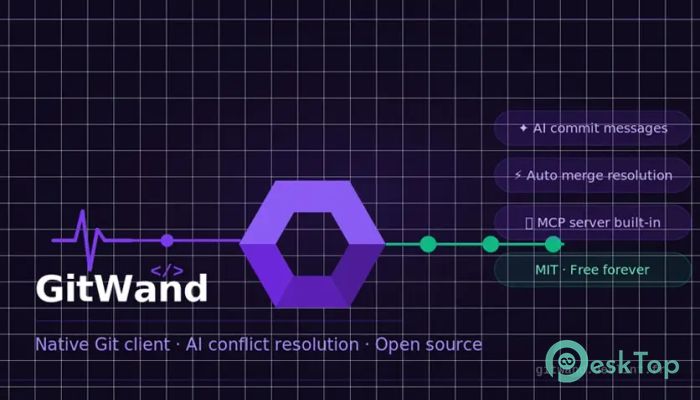
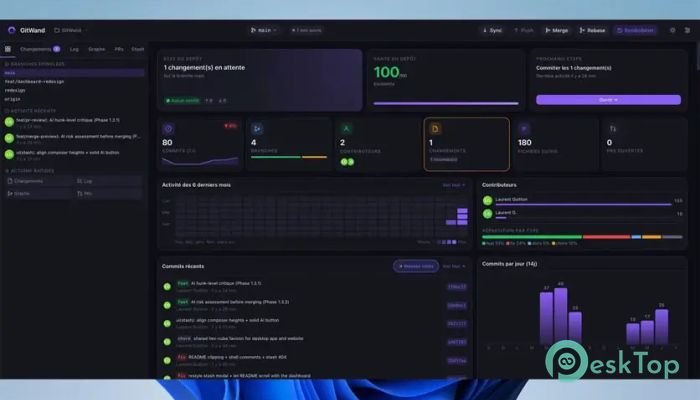
This modern tool is designed to make version control smoother and smarter. If you have ever struggled with merge conflicts, this solution feels like a breath of fresh air. It combines a desktop interface, command-line support, and a VS Code extension into one seamless experience. The idea behind it is simple but effective. Instead of forcing developers to manually fix every conflict, it uses intelligent systems to resolve easy cases automatically, leaving only the tricky parts for deeper handling. This saves time and reduces frustration during development.Features of GitWand
Smart Conflict Resolution
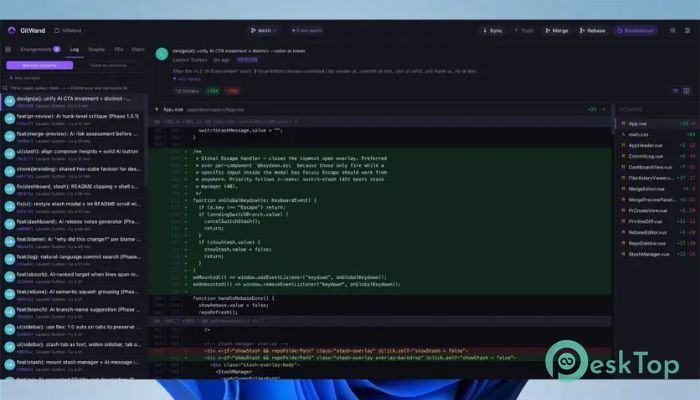
One of the most impressive features of the software is how it handles merge conflicts. Think of it like a smart assistant sitting beside you while coding. It quickly identifies simple conflicts such as whitespace differences or identical changes and resolves them instantly.
For more complex cases, it doesn’t leave you in the dark. Instead, it provides detailed insights and organizes conflicts so they are easier to understand and fix. This balanced approach keeps things efficient while still giving you control.
Unified Tool Experience
This tool works across different environments without any hassle. Whether you prefer working on a desktop interface, using the command line, or coding inside VS Code, everything stays connected.
It feels like carrying a single toolbox that fits every situation. You don’t need to switch between multiple apps or worry about compatibility issues. Everything is designed to work together smoothly.
Preview Merge Capability
Before making changes, the software lets you preview the merge process. This is like checking the weather before stepping outside. You get a clear idea of how many conflicts exist, how complex they are, and how much can be resolved automatically.
This feature helps you prepare better. Instead of jumping into unknown issues, you already know what to expect, which makes the workflow more predictable and less stressful.
Automatic Resolution Engine
The automatic resolution feature is where the tool truly shines. It handles simple, repetitive patterns instantly. These include cases where changes exist on one side only or when both sides made identical updates.
By quickly resolving these small issues, the software lets you focus on the bigger picture. It is like clearing clutter from your desk so you can concentrate on important tasks.
AI-Assisted Conflict Handling
When things get complicated, the tool uses intelligent assistance to guide the process. For each difficult conflict, it provides full context, including base content, current changes, and incoming updates.
This approach feels like having a knowledgeable partner who explains every detail before you make a decision. It also includes confidence scores and classification data, helping you understand how reliable the suggestions are.
Integration with AI Agents
The software goes beyond traditional tools by allowing AI agents to interact with its conflict engine. This means automation can take over more advanced tasks while you supervise or focus on other work.
It is similar to having a team where routine tasks are handled automatically, and only the critical decisions require your attention. This improves productivity and reduces mental load.
Performance and Speed
Speed is another strong point. The tool processes merges quickly without slowing down your workflow. Even large repositories are handled efficiently, ensuring smooth performance.
This makes it suitable for both small projects and large-scale development environments. You won’t feel lag or delays while working, which keeps your momentum going.
Ease of Use
Despite its advanced capabilities, the interface remains simple and user-friendly. Beginners can get started easily, while experienced developers can explore deeper features.
It feels like driving a modern car. Even if you don’t know every function, you can still enjoy a smooth ride while learning more along the way.
Why It Stands Out
Many tools focus either on automation or control, but this one balances both perfectly. It handles simple tasks automatically while giving you full control over complex situations.
This balance makes it unique. It respects your workflow instead of forcing you to adapt to it, which is a big advantage in daily development work.
System Requirements and Technical Details
Operating System: Windows 11 / 10 / 8.1 / 7
Processor: Minimum 1 GHz Processor (2.4 GHz recommended)
RAM: 2GB (4GB or more recommended)
Free Hard Disk Space: 200MB or more is recommended

-
Program size4.58 MB
-
Version2.8.0
-
Program languagemultilanguage
-
Last updatedBefore 5 Month
-
Downloads16
 Reportizer
 AccdbMerge
 RdpGuard
 Checkbook For Excel
 SysTools SQL Recovery
 Pointdev Ideal Dispatch