
 Arabic
  English
  Turkish
  Chinese
  Japanese
  Russian
  Spanish
  German
  French
  Hindi
Hindi Download Grafana 12.2.2 for Windows
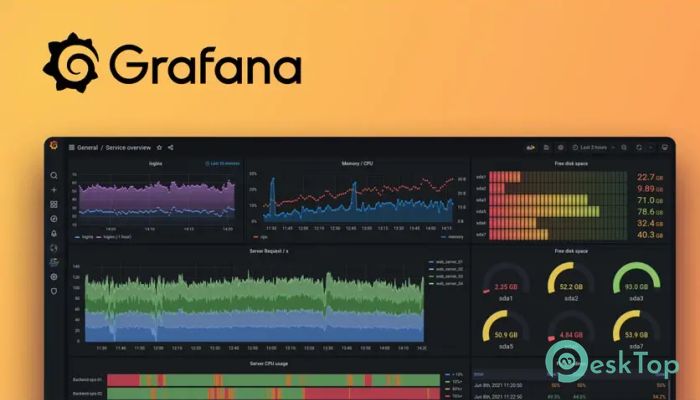
Download Grafana 12.2.2 for Windows.
Grafana Overview
This powerful tool allows individuals and teams to explore, display, and manage data through customizable dashboards. It is well known for turning raw metrics into clear visual stories that support more informed decisions. The platform connects with many data sources and provides a clean, elegant interface for analyzing logs, traces, and real-time system performance.Features of Grafana
Connects to multiple databases and cloud platforms
Provides customizable dashboards with drag-and-drop widgets
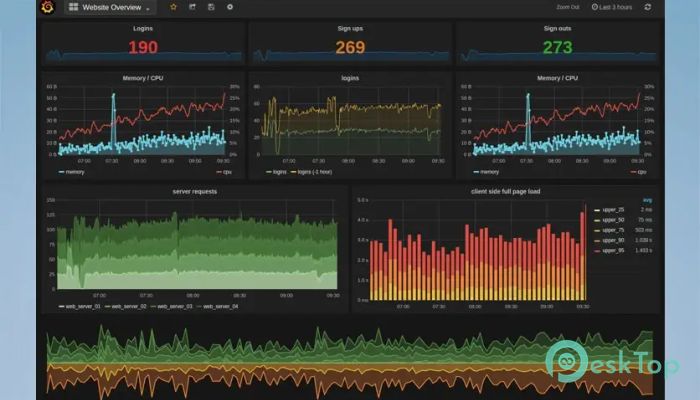
Includes powerful visualization tools such as graphs, heatmaps, and charts
Offers real-time alerts and notifications
Supports logs, metrics, and traces for full observability
Enables team collaboration through shared dashboards
Works with plugins to extend its capabilities even further
Open-source and highly flexible to fit different workflows
How It Works
The tool collects and displays data from various sources, letting you observe system performance like checking the heartbeat of your digital environment. Everything stays organized in dashboards, so you can spot issues before they grow. Its query system helps you filter and examine information with precision.
Monitoring and Observability
It aggregates metrics, logs, and traces to provide a complete view of what’s happening under the hood. With contextual alerts built into its cloud workflows, users can catch early warning signs across applications, infrastructure, and Kubernetes environments.
Customization and Visualization
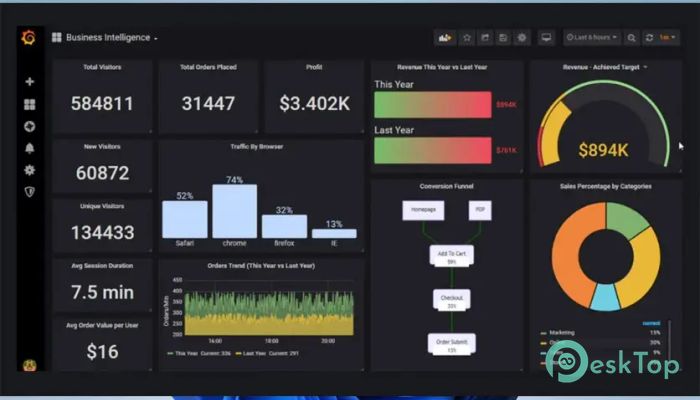
The platform shines with visuals. You can personalize dashboards with different panels, color themes, and layouts. Every graph or chart becomes a window into your system’s health.
Team Collaboration
The software enables teams to share dashboards, annotate graphs, and collaborate during troubleshooting. This increases communication and reduces downtime.
Ease of Use
Even though it is powerful, the interface stays user-friendly. You can access demo dashboards instantly without installation, which helps both beginners and professionals explore data comfortably.
Applications Across Industries
Many companies use it to monitor servers, business metrics, security logs, and cloud systems. It adapts easily to IT operations, DevOps, analytics, and engineering workflows.
Benefits
The tool transforms scattered information into meaningful insights. It improves system stability, reduces latency, and provides a clearer view of your environment.
System Requirements and Technical Details
Operating System: Windows 11 / 10 / 8.1 / 7
Processor: Minimum 1 GHz Processor (2.4 GHz recommended)
RAM: 2GB (4GB or more recommended)
Free Hard Disk Space: 500MB or more is recommended

-
Program size318.16 MB
-
Version12.2.2
-
Program languagemultilanguage
-
Last updatedBefore 10 Month
-
Downloads26
 Chess King 2026
 Easy German Platinum
 Easy French Platinum
 Easy English Platinum
 Moneyspire Desktop
 Concept Grid