
 Arabic
  English
  Turkish
  Chinese
  Japanese
  Russian
  Spanish
  German
  French
  Hindi
Hindi Download Insomnia REST Client 1.0 for Windows
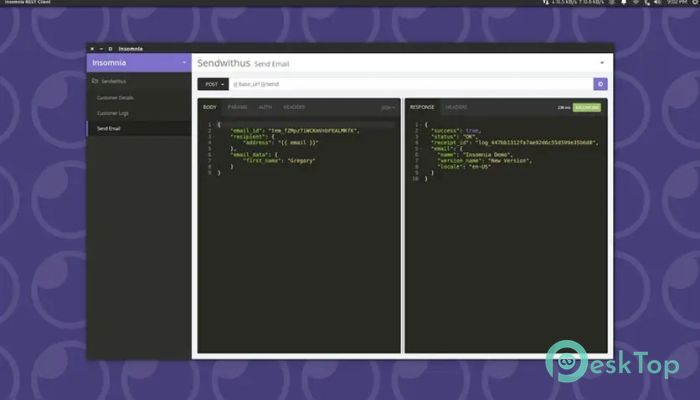
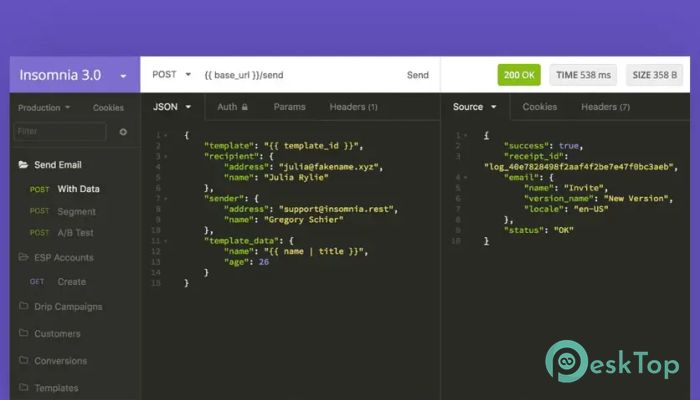
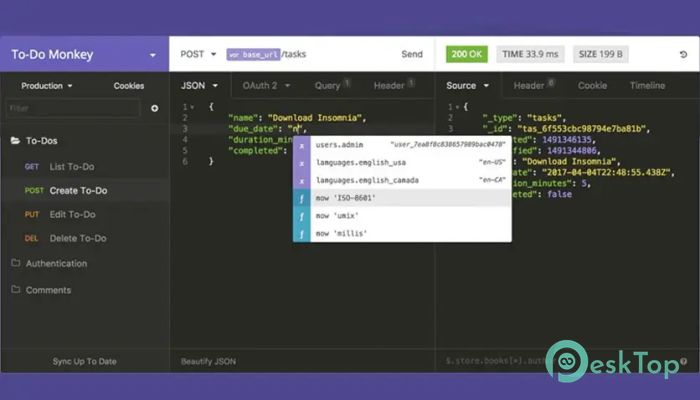
Download Insomnia REST Client 1.0 for Windows.
Insomnia REST Client Overview
This software is built to make API testing smooth, organized, and efficient. It supports REST, GraphQL, gRPC, WebSockets, and Server-Sent Events, making it a flexible choice for both beginners and advanced developers. Its clean interface, strong features, and quick performance help you work faster without getting lost in the process.Features of Insomnia REST Client
Supports REST, GraphQL, gRPC, WebSockets, and SSE
Offers a built-in OpenAPI editor for API design
Provides code generation for multiple languages
Includes environment variables for organized testing
Has cookie management and authentication options
Allows collaboration through cloud, local, and Git storage
Includes native test suites for automated testing
Offers a CLI for CI/CD workflows
How It Works
The software lets you send API requests in a simple, readable interface. You can switch between different request types, preview responses, and organize multiple workspaces. Its interface works like a clean workbench, with every tool in the right place.
Sending a request takes only a few clicks — type the URL, choose the method, enter headers or data, and hit send. The response appears instantly, making debugging faster and more comfortable.
API Debugging
Debugging is made easy with clear status codes, response times, headers, and body previews. You can catch errors quickly since everything is displayed in a structured way. It’s like having a magnifying glass for your API issues.
API Designing
The built-in OpenAPI editor helps you create and preview documentation. You can write specifications, validate them, and instantly see a visual preview. This is especially useful when working with teams or planning large systems.
Testing Features
The tool provides native test suites that enable automated testing. You can write rules to verify that your APIs return the expected results. This saves hours of manual testing and increases confidence in your workflow.
Collaboration Tools
Sharing your workspaces through the cloud or Git makes teamwork smoother. You can store projects online, switch between devices, or sync them for group work. It supports both personal and team usage.
Automation and CLI
The command-line tools are helpful for CI/CD pipelines. You can lint, verify, or test APIs directly within your automation workflow, making development and deployment more tightly integrated and reliable.
Environment Variables
Environment variables help you manage data for different setups, such as testing, development, or production. They keep things organized and reduce mistakes by storing important values in one place.
Authentication and Cookies
The software supports multiple authentication types, including Basic, Bearer, and OAuth. Its cookie management ensures smooth communication with endpoints that require login or token-based access.
Storage Options
It offers Cloud Sync, Local Storage, and Git-based setups. This flexibility lets you work your way—online, offline, or connected to your own repositories.
System Requirements and Technical Details
Operating System: Windows 11 / 10 / 8.1 / 7
Processor: Minimum 1 GHz Processor (2.4 GHz recommended)
RAM: 2GB (4GB or more recommended)
Free Hard Disk Space: 1GB or more is recommended

-
Program size477.40 MB
-
Version1.0
-
Program languagemultilanguage
-
Last updatedBefore 10 Month
-
Downloads9
 Reportizer
 AccdbMerge
 RdpGuard
 Checkbook For Excel
 SysTools SQL Recovery
 Pointdev Ideal Dispatch