
 Arabic
  English
  Turkish
  Chinese
  Japanese
  Russian
  Spanish
  German
  French
  Hindi
Hindi Download Open Pencil 0.11.8 for Windows
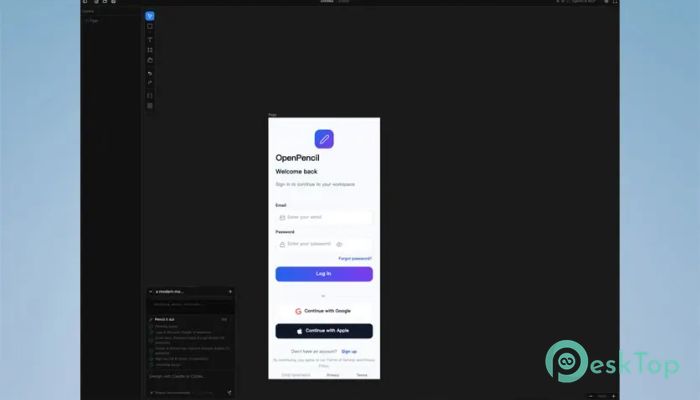
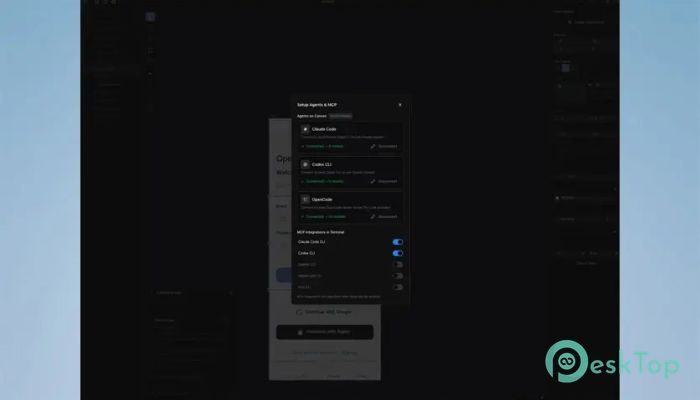
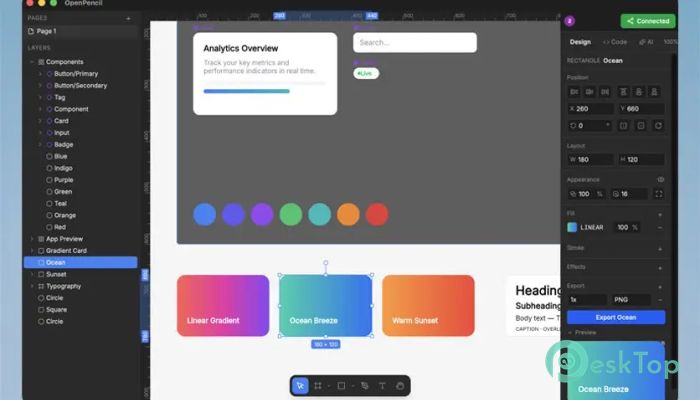
Download Open Pencil 0.11.8 for Windows.
Open Pencil Overview
It is more than just a design editor; it feels like a complete creative playground where design meets automation. Unlike traditional tools that limit you to manual editing, this software opens the door to a smarter workflow. It supports popular file formats like .fig and .pen, making it easy to work across different platforms without worrying about compatibility. What makes it stand out is how it treats design files like structured data. This means every action you take inside the editor can also be controlled through code, terminal commands, or even AI agents. It’s like having a designer and a developer working together in one tool.Features of Open Pencil
Open-Source Freedom
One of the strongest features is its open-source nature. You are not locked into a closed ecosystem. Instead, you get full control over how the tool behaves. Developers can tweak it, designers can experiment with it, and teams can customize it based on their needs.
Think of it like a toolbox where you can replace, upgrade, or build your own tools whenever needed. This flexibility makes it ideal for both individuals and teams who want more control over their creative process.
Supports Multiple Design Formats
Working with different file types can be frustrating, especially when tools don’t support them properly. This editor removes that problem by allowing you to open and work with .fig and .pen files smoothly.
It acts like a universal translator for design files. You don’t need to jump between different software anymore. Everything can be managed in one place, saving both time and effort.
Built-In AI Capabilities
The built-in AI is where things start to feel futuristic. Instead of manually adjusting every detail, you can let AI assist you in creating layouts, managing elements, or even generating design ideas.
It’s like having a smart assistant sitting beside you, ready to help whenever you get stuck. This not only speeds up your workflow but also helps you explore creative ideas you might not have thought of on your own.
Programmable Design Workflow
This software breaks the traditional boundaries of design tools by making everything programmable. Every action you perform, from drawing shapes to exporting files, can also be executed through code.
Imagine automating repetitive tasks with just a few lines of code. It’s like turning your design workflow into a machine that works for you, saving time and reducing manual effort.
Headless Vue SDK Integration
For developers, the headless Vue SDK is a game-changer. It allows you to build custom design editors without having to start from scratch. You can create your own interface while using the core engine in the background.
This is similar to building your own car using a powerful engine. You get to design the look and feel while relying on a strong system underneath.
Terminal and Code Access
Unlike typical editors, this one lets you control design operations through the terminal. You can create shapes, adjust layouts, and export assets using commands.
This feature is perfect for automation lovers. It’s like having a command center where you can control everything without even touching the graphical interface.
AI Agents and Automation
The integration with AI agents adds another layer of convenience. You can automate entire workflows, from designing to exporting, using intelligent scripts.
It feels like giving your work to a digital assistant who understands your goals and executes tasks efficiently. This makes it especially useful for large projects or teams working on tight deadlines.
Modern and Clean Interface
The interface is simple, clean, and easy to understand. Even if you are new to design tools, you won’t feel overwhelmed. Everything is organized in a way that makes sense.
It’s like walking into a well-arranged workspace where every tool is exactly where you expect it to be. This helps you focus more on creativity rather than figuring out how things work.
Collaboration Made Easy
Working in teams becomes smoother with this tool. Since it treats designs as data, sharing and editing projects becomes more structured and efficient.
It’s similar to working on a shared document where everyone can contribute without confusion. This makes teamwork faster and more productive.
Export and Asset Management
Exporting designs is quick and flexible. You can generate assets in different formats without losing quality. Managing these assets is also simple, thanks to its structured approach.
It’s like having a well-organized library where you can easily find and use what you need without wasting time.
System Requirements and Technical Details
Operating System: Windows 11 / 10 / 8.1 / 7
Processor: Minimum 1 GHz Processor (2.4 GHz recommended)
RAM: 2GB (4GB or more recommended)
Free Hard Disk Space: 200MB or more is recommended

-
Program size8.24 MB
-
Version0.11.8
-
Program languagemultilanguage
-
Last updatedBefore 5 Month
-
Downloads30
 Reportizer
 AccdbMerge
 RdpGuard
 Checkbook For Excel
 SysTools SQL Recovery
 Pointdev Ideal Dispatch