
 Arabic
  English
  Turkish
  Chinese
  Japanese
  Russian
  Spanish
  German
  French
  Hindi
Hindi Download Otter Browser 1.0.02 for Windows
Download Otter Browser 1.0.02 for Windows.
Otter Browser Overview
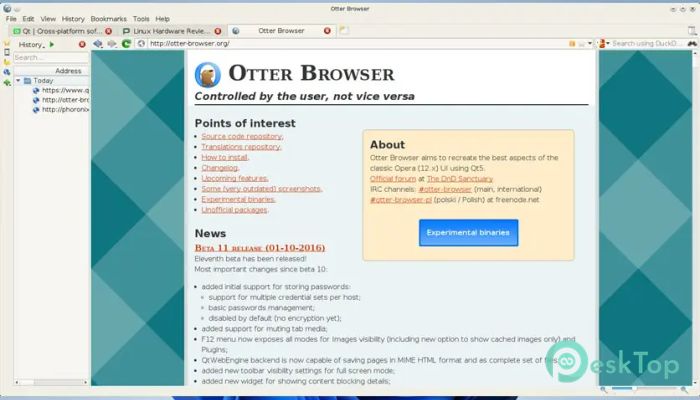
It is built with a clear mission: to give users control back. Instead of forcing trends or limiting customization, it focuses on flexibility, speed, and familiarity. Inspired by the classic Opera 12 interface, it feels like coming home for users who miss deep settings and precise control.Features of Otter Browser
User-Centered Design Philosophy
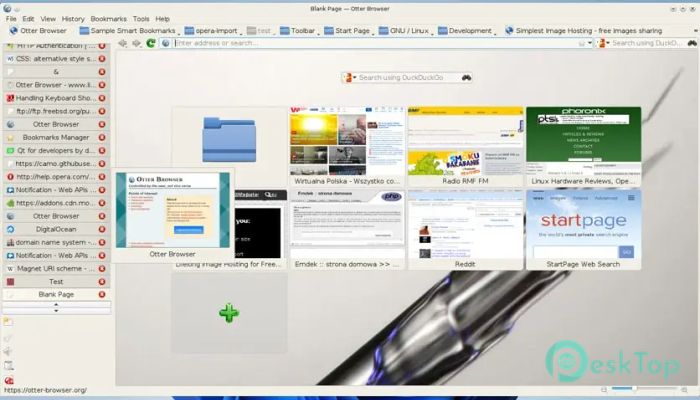
It is designed to work for you, not the other way around. Menus, toolbars, and panels can be adjusted to match personal habits. This makes daily browsing smoother, especially for users who like things set just right.
Classic Interface With Modern Touch
The layout reflects a traditional desktop-style interface rather than a minimal, locked-down look. Tabs, panels, and menus are easy to access and behave predictably. At the same time, modern web standards are supported to ensure compatibility with today’s websites.
Lightweight and Fast Performance
The software is built with Qt5, which helps ensure responsiveness and efficiency. It runs smoothly even on older systems and does not overload memory. This makes it a solid choice for users who want speed without sacrificing useful features.
Power Features for Advanced Users
Advanced configuration options allow deep customization. Keyboard shortcuts, mouse gestures, and detailed preference settings give experienced users full control. It feels more like a tool than a locked product, which is refreshing in today’s browser landscape.
Privacy and User Control
Privacy is treated seriously. Instead of aggressive data collection, it allows users to decide how content, cookies, and scripts are handled. This approach creates a safer and more transparent browsing environment.
Open Source and Community Driven
Released under the GNU GPL v3 license, development is open and transparent. Anyone can review the code, suggest improvements, or contribute. This keeps development honest and focused on real user needs rather than corporate goals.
Customizable Workflow
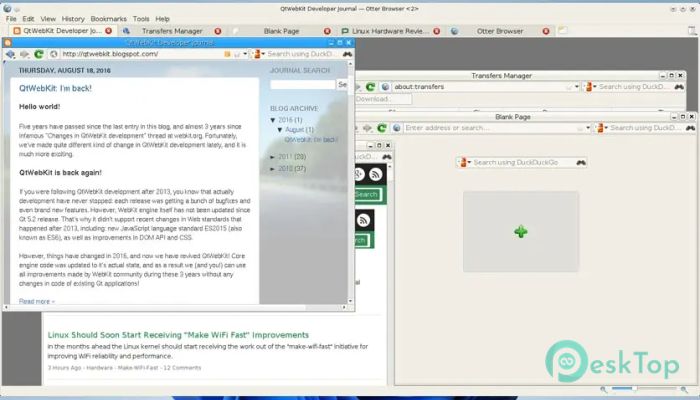
Panels, sidebars, and toolbars can be enabled or disabled based on preference. This makes it easy to create a workflow that matches how you browse. Whether you prefer a clean setup or a feature-rich layout, it adapts easily.
System Requirements and Technical Details
Operating System: Windows 11 / 10 / 8.1 / 7
Processor: Minimum 1 GHz Processor (2.4 GHz recommended)
RAM: 2GB (4GB or more recommended)
Free Hard Disk Space: 200MB or more is recommended

-
Program size40.40 MB
-
Version1.0.02
-
Program languagemultilanguage
-
Last updatedBefore 7 Month
-
Downloads29
 Samsung Browser
 Suprow
 SSuite NetSurfer Prometheus Browser
 Wavebox Browser
  Waterfox
 Tor Browser