
 Arabic
  English
  Turkish
  Chinese
  Japanese
  Russian
  Spanish
  German
  French
  Hindi
Hindi Download Supermium 144.0.7559.252 R4 for Windows
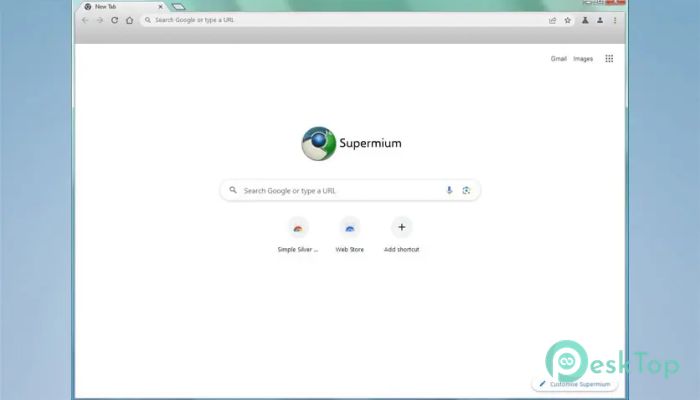
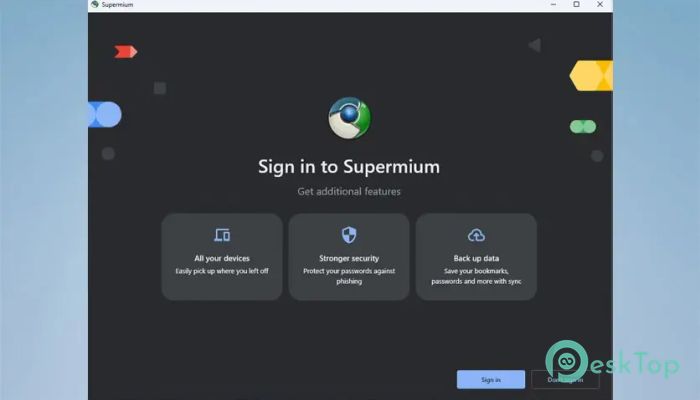
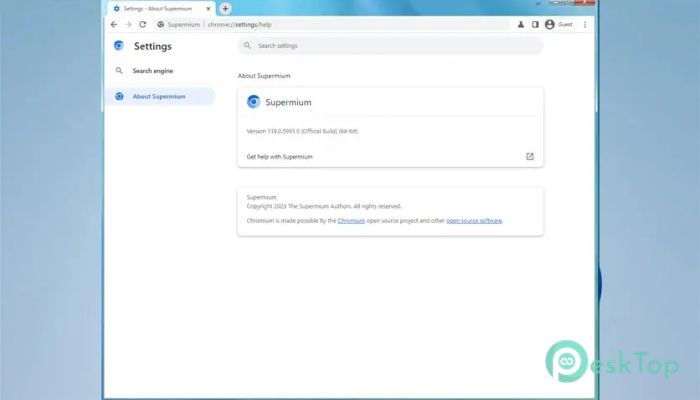
Download Supermium 144.0.7559.252 R4 for Windows.
Supermium Overview
It is designed as a drop-in replacement for Google Chrome, but with a twist. It focuses on restoring features that many users miss while also improving privacy and system compatibility. Developed for win32, it retains the familiar Chromium engine while making it more flexible and user-friendly, especially for legacy Windows users. If you still use Windows 7 or 8.1 and feel left behind by modern browser updates, this tool offers a second chance. It keeps things smooth, stable, and practical without forcing you to upgrade your entire system.Features of Supermium
Built for Legacy and Modern Windows
One of the software's key strengths is its broad compatibility. While many browsers drop support for older Windows versions, this one continues to support them. It works well on Windows 7, 8.1, 10, and 11.
Think of it like a bridge. On one side, you have modern Chromium updates. On the other side, you have older Windows systems. This browser connects both worlds without sacrificing speed or security.
Restores Classic Chrome Features
Over time, Chrome removed or changed several features that users loved. This browser brings many of those classic elements back. From interface tweaks to familiar settings behavior, it feels like meeting an old friend again.
The layout remains clean and recognizable. You still get the modern Chromium performance, but with options that give you more control. It is like driving a new car with the comfort of your favorite old steering wheel.
Enhanced Privacy Controls
Privacy is no longer a luxury; it is a necessity. This software builds on standard Chromium privacy features by reducing unnecessary background communication and providing greater control over tracking settings.
You get a browser that respects your space. It does not appear to be constantly sending data in the background. Instead, it focuses on delivering a smooth and private browsing experience.
Performance and Stability
Speed matters. No one wants a browser that freezes during work or streaming. This tool is optimized to run efficiently, even on older hardware. It uses system resources wisely and keeps things responsive.
Whether you are browsing social media, watching videos, or working on cloud documents, it performs reliably. It feels light yet powerful.
Customization and Usability
The future of Chromium browser customization truly shines here. You are not locked into a single rigid layout. Instead, you can adjust settings and behaviors to better match your workflow.
It is like arranging your desk exactly the way you like it. Tabs, extensions, themes, and settings work together flexibly. You stay in control, not the browser.
Developer Background and Vision
Created by win32, this project has a clear goal: keep Chromium alive and usable for everyone, especially those on legacy Windows systems. While big tech companies move quickly, this browser slows just enough to ensure no one is left behind.
The vision is simple but powerful. Maintain compatibility, restore useful features, and improve privacy. That combination makes it stand out in a crowded browser market.
User Experience and Interface
The interface feels familiar from the moment you launch it. If you have used Chrome before, you will feel right at home. Bookmarks, extensions, and settings work similarly, making switching easy.
It does not try to reinvent the wheel. Instead, it refines it. The experience is clean, straightforward, and practical.
Security and Updates
Security updates are crucial in any browser. This software stays aligned with Chromium updates to ensure modern web compatibility and protection against threats.
You can browse with confidence, knowing the browser is built on a robust, up-to-date foundation. It balances stability for older systems with the safety standards of modern browsing.
System Requirements and Technical Details
Operating System: Windows XP, 2003, Vista, 7, 8.x, and newer
Processor: Minimum 1 GHz Processor (2.4 GHz recommended)
RAM: 2GB (4GB or more recommended)
Free Hard Disk Space: 200MB or more is recommended

-
Program size123.73 MB
-
Version144.0.7559.252 R4
-
Program languagemultilanguage
-
Last updatedBefore 3 Month
-
Downloads213
 Samsung Browser
 Suprow
 SSuite NetSurfer Prometheus Browser
 Wavebox Browser
  Waterfox
 Tor Browser