
 Arabic
  English
  Turkish
  Chinese
  Japanese
  Russian
  Spanish
  German
  French
  Hindi
Hindi Download Suryaputra Bucket To Bucket 1.0.0.5 for Windows
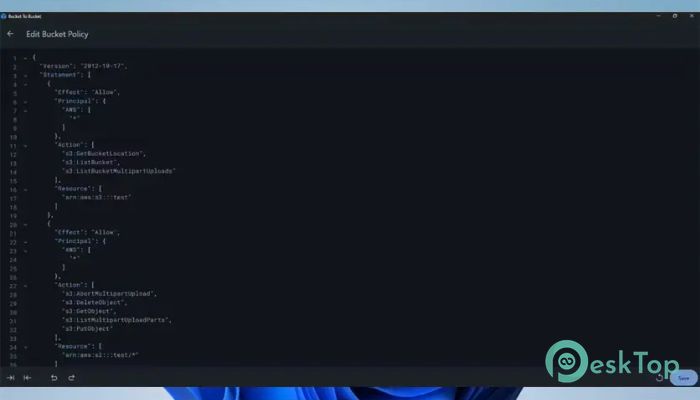
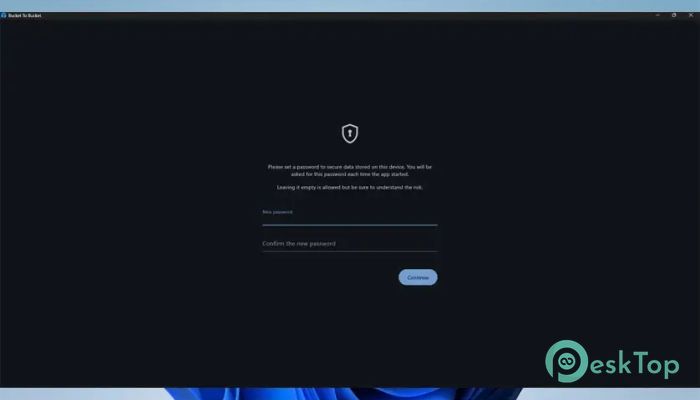
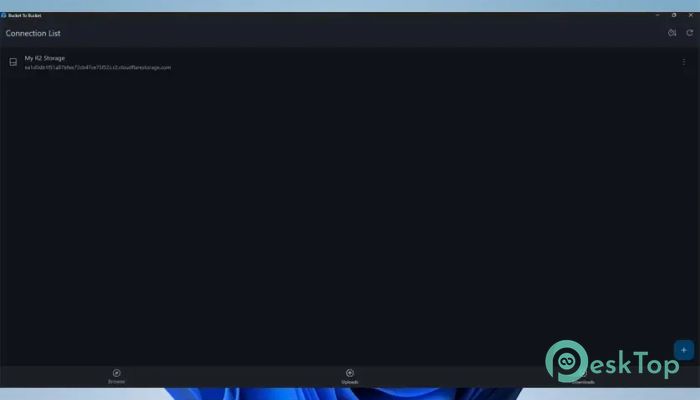
Download Suryaputra Bucket To Bucket 1.0.0.5 for Windows.
Suryaputra Bucket To Bucket Overview
This application focuses on simplicity and speed when working with object storage platforms. It acts like a familiar file explorer, but instead of local drives, it connects you directly to remote buckets. Whether you are handling backups, media files, or project assets, it keeps everything accessible in one clean interface.Features of Suryaputra Bucket To Bucket
Simple and Clean User Interface
The layout feels instantly familiar, much like browsing folders on your computer. Files and directories are clearly displayed, making navigation smooth even for first-time users. There is no clutter, so you spend less time learning and more time working.
Support for Multiple Object Storage Services
It works with popular object storage platforms, including MinIO, AWS S3, and Cloudflare R2. This flexibility lets you manage different storage providers in a single place, eliminating the hassle of switching between multiple dashboards or web panels.
Secure Connection Profiles
The software allows you to create multiple connection profiles for different servers. These profiles are encrypted and stored locally, which means your access keys remain protected. Switching between servers is quick and does not require re-entering credentials every time.
Easy File Transfers
Uploading and downloading files feels effortless. The built-in transfer manager lets you handle multiple tasks simultaneously, much like a download manager. You can monitor progress while continuing other work, making large transfers far less stressful.
Quick URL Copy with Customization
One of the most valuable features is the ability to instantly copy a file’s download URL. You can also customize how the link is generated, which is helpful when sharing files with teammates or integrating links into applications and websites.
In-App Image Preview
Instead of downloading images to check them, the tool includes an image viewer. This makes it easy to verify visuals stored in your buckets, saving both time and bandwidth. It feels like peeking into a cloud-based photo album.
Bucket and Directory Management
Managing buckets, folders, and files is straightforward. You can create directories, move files, rename items, or clean up unused data without touching a browser. Everything happens inside one focused workspace.
Boosts Productivity for Developers and Teams
For developers, designers, and system administrators, it acts like a bridge between local work and cloud storage. Tasks that typically require several clicks in a web console are reduced to simple actions, improving daily workflow efficiency.
Lightweight Yet Powerful
Despite offering many useful features, it remains lightweight. It does not consume excessive system resources, so it runs smoothly even on modest machines. Think of it as a compact toolbox that still holds all the essentials.
System Requirements and Technical Details
Operating System: Windows 11 / 10
Processor: Minimum 1 GHz Processor (2.4 GHz recommended)
RAM: 2GB (4GB or more recommended)
Free Hard Disk Space: 200MB or more is recommended

-
Program size9.49 MB
-
Version1.0.0.5
-
Program languagemultilanguage
-
Last updatedBefore 9 Month
-
Downloads3
 Reportizer
 AccdbMerge
 RdpGuard
 Checkbook For Excel
 SysTools SQL Recovery
 Pointdev Ideal Dispatch