
 Arabic
  English
  Turkish
  Chinese
  Japanese
  Russian
  Spanish
  German
  French
  Hindi
Hindi Download Tess Terminal Emulator 0.6.3 for Windows
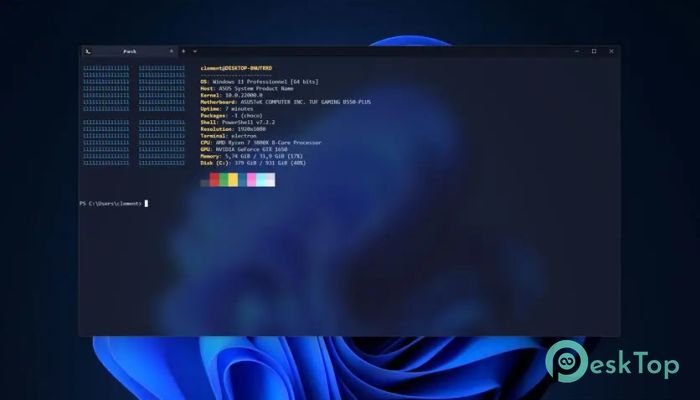
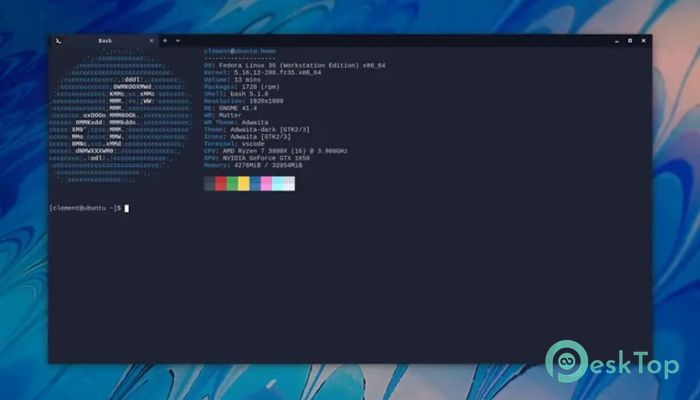
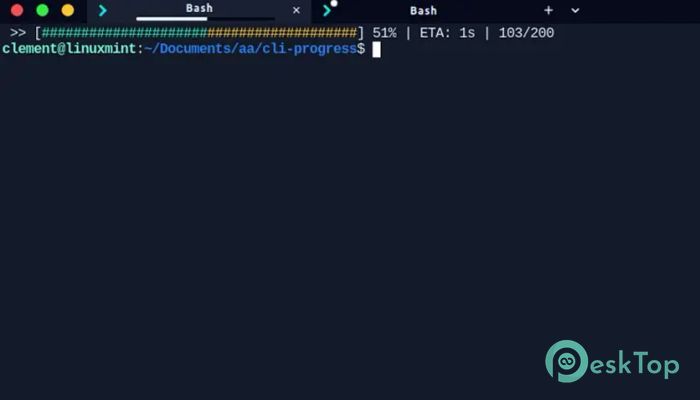
Download Tess Terminal Emulator 0.6.3 for Windows.
Tess Terminal Emulator Overview
It is designed for users who prefer working directly with their computers via commands rather than clicks. It acts like a bridge between you and the operating system, allowing you to interact with files, programs, and system processes using simple text commands. Think of it as a direct conversation with your machine, where every instruction is clear and powerful.Features of Tess Terminal Emulator
Purpose and Core Idea
The main goal of this software is to provide full system access through a terminal interface. It focuses on simplicity and efficiency, making command-line work feel less intimidating and more practical. Instead of navigating endless menus, you type what you want and get instant results, like giving direct orders instead of leaving notes.
Command-Line Control Made Simple
This tool lets you run command-line programs smoothly. Whether you are managing files, running scripts, or testing commands, everything feels responsive and lightweight. It strips away unnecessary clutter and keeps the focus on what truly matters: speed, accuracy, and control.
Designed for Windows Users
It has been officially tested on Windows, meaning it runs reliably on this platform. Commands execute as expected, and system access remains stable. For users who rely on Windows for development, automation, or system management, this makes daily tasks feel more organized and predictable.
Cross-Platform Possibilities
Although Windows is the primary testing ground, the software is built with cross-platform use in mind. It can work on other operating systems as well. If access is not immediately available, users are encouraged to request support. The developers aim to expand compatibility by creating new packages or offering manual installation help.
Lightweight and Efficient Performance
No one likes a slow terminal. This software keeps things fast and responsive, even when handling multiple commands. It feels like a well-tuned engine that starts instantly and runs smoothly without draining system resources.
Helpful for Beginners and Advanced Users
For beginners, it offers a clean starting point to learn command-line basics without feeling overwhelmed. For advanced users, it provides the flexibility needed for scripting, automation, and system-level tasks. It grows with you, like a simple tool that becomes more powerful as your skills improve.
Use Cases and Practical Benefits
It is useful for developers, system administrators, students, and tech enthusiasts. Tasks like running scripts, managing servers, testing programs, or controlling system settings become faster. Instead of repeating manual steps, you can automate actions and save valuable time.
Community Support and Ongoing Improvements
The project encourages feedback and issue reporting. If something does not work as expected, users can open an issue and get help. This open approach helps improve stability and expand platform support over time, creating a better experience for everyone.
System Requirements and Technical Details
Operating System: Windows 11 / 10 / 8.1 / 7
Processor: Minimum 1 GHz Processor (2.4 GHz recommended)
RAM: 2GB (4GB or more recommended)
Free Hard Disk Space: 200MB or more is recommended

-
Program size98.40 MB
-
Version0.6.3
-
Program languagemultilanguage
-
Last updatedBefore 8 Month
-
Downloads8
 Reportizer
 AccdbMerge
 RdpGuard
 Checkbook For Excel
 SysTools SQL Recovery
 Pointdev Ideal Dispatch