
 Arabic
  English
  Turkish
  Chinese
  Japanese
  Russian
  Spanish
  German
  French
  Hindi
Hindi Download Wealthfolio 3.6.3 for Windows
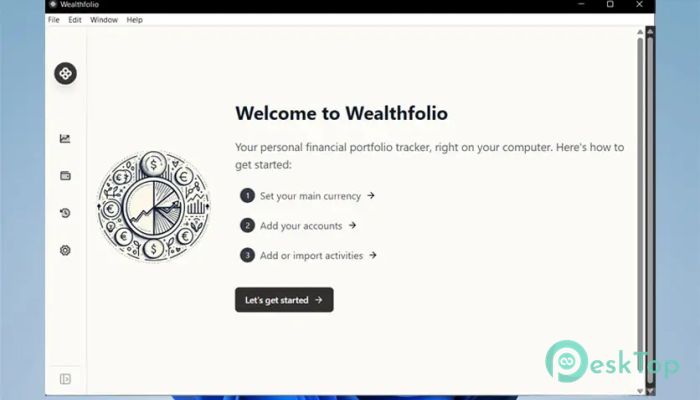
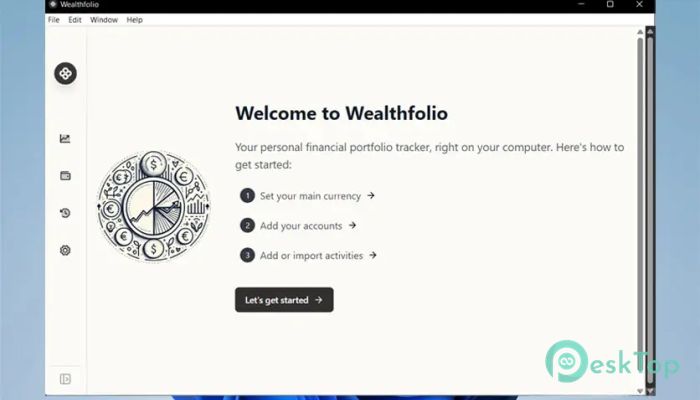
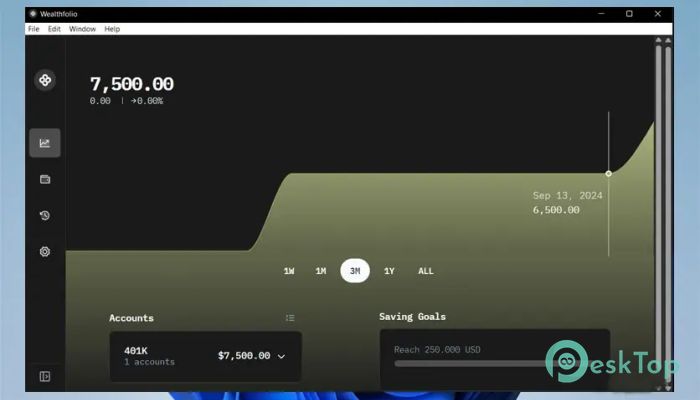
Download Wealthfolio 3.6.3 for Windows.
Wealthfolio Overview
This desktop-based solution is designed for people who want complete control over their investment data. Instead of relying on cloud platforms or online dashboards, it stores everything securely on your computer. That means no surprise logins, no syncing delays, and no third-party access to sensitive financial details. It serves as a modern alternative to messy spreadsheets. You still get clarity, structure, and insights, but without manual formulas or constant updates. The experience feels smooth and focused, making portfolio tracking less of a chore and more like a quick daily check-in.Features of Wealthfolio
Privacy Comes First
The strongest feature is its privacy-first mindset. All financial information stays on your device and never leaves your system. There is no background upload, no hidden analytics, and no remote servers storing your data.
This approach feels like keeping your valuables in a personal safe rather than a shared locker. You decide where your information lives, which builds trust and peace of mind, especially for users who care deeply about data ownership.
Open Source and Transparent
Open-source means the code is available for anyone to inspect. This adds an extra layer of confidence because no hidden tricks are running in the background. Transparency allows users and developers to verify how things work.
It also encourages community improvements. Bugs get fixed faster, features evolve naturally, and the overall quality benefits from shared knowledge rather than closed doors.
Simple Yet Elegant Interface
The design focuses on clarity instead of clutter. Everything is placed where you expect it to be, so even beginners can feel comfortable right away. The layout is calm, reducing the stress that often accompanies financial tracking.
Think of it as a tidy desk versus a drawer full of loose papers. Information is easier to find, and decisions are made more quickly when the interface does not compete for attention.
Built for Everyday Investors
This tool is not only for professionals. Casual investors, students, and long-term planners can all benefit from its straightforward workflow. Adding assets, tracking performance, and reviewing progress feels natural.
Instead of complex charts that overwhelm, it focuses on meaningful insights. You see what matters without a finance degree.
No Subscriptions or Pressure
One refreshing aspect is the absence of recurring fees. It is free to use, with an optional one-time payment for those who want to support development. There are no monthly reminders or locked features waiting behind a paywall.
This model feels honest. You are not rushed into upgrading or signing up, which creates a relaxed and respectful user experience.
Offline Reliability
Since everything runs locally, it works perfectly without an internet connection. Whether you are traveling or simply offline, access to your portfolio remains uninterrupted.
This reliability makes it feel dependable, like a notebook that is always within reach, regardless of network conditions.
Data Ownership and Control
Complete control means you can back up, move, or manage your files however you want. There is no dependency on external services that might change terms or shut down unexpectedly.
In a world where platforms come and go, this independence adds long-term stability to your financial tracking routine.
Lightweight and Efficient
The software runs smoothly on most systems without demanding heavy resources. It launches quickly and stays responsive, even with larger portfolios.
This efficiency makes daily use enjoyable rather than frustrating, especially on older machines.
Ideal Alternative to Spreadsheets
Spreadsheets can be powerful but also time-consuming. Manual errors, broken formulas, and cluttered layouts often create confusion.
This tool replaces that chaos with structure and automation, giving you cleaner results with less effort.
System Requirements and Technical Details
Operating System: Windows 11 / 10
Processor: Minimum 1 GHz Processor (2.4 GHz recommended)
RAM: 2GB (4GB or more recommended)
Free Hard Disk Space: 200MB or more is recommended

-
Program size121.43 MB
-
Version3.6.3
-
Program languagemultilanguage
-
Last updatedBefore 2 Month
-
Downloads35
 Chess King 2026
 Easy German Platinum
 Easy French Platinum
 Easy English Platinum
 Moneyspire Desktop
 Concept Grid