
 Arabic
  English
  Turkish
  Chinese
  Japanese
  Russian
  Spanish
  German
  French
  Hindi
Hindi Download Disable Windows Defender 2.0 for Windows
Download Disable Windows Defender 2.0 for Windows.
Disable Windows Defender Overview
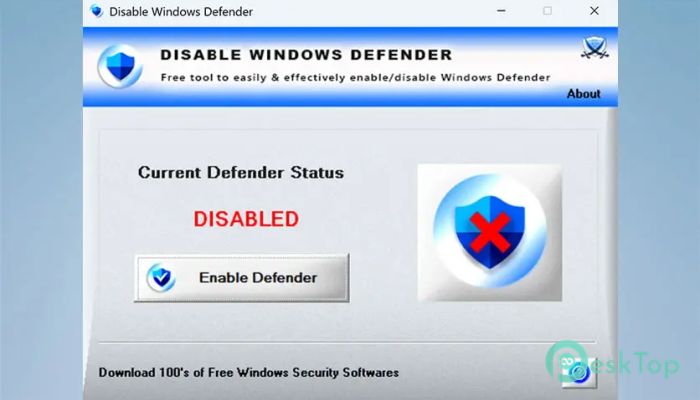
This software is designed to help users quickly turn Windows Defender protection on or off without restarting the computer. Many users face situations where Defender automatically deletes files due to false positives or slows down system performance. In such cases, this tool is a reliable, straightforward solution. It allows full control over Defender’s behavior and ensures complete disabling when needed, something that the normal settings panel often fails to do.Features of Disable Windows Defender
A free tool to easily enable the tool.
Disables all protection layers in a single click.
Prevents automatic re-enabling of Defender services.
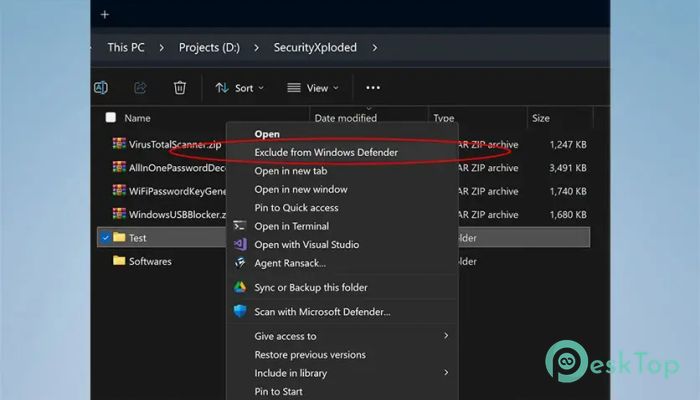
Allows quick exclusion of files or folders via right-click menu.
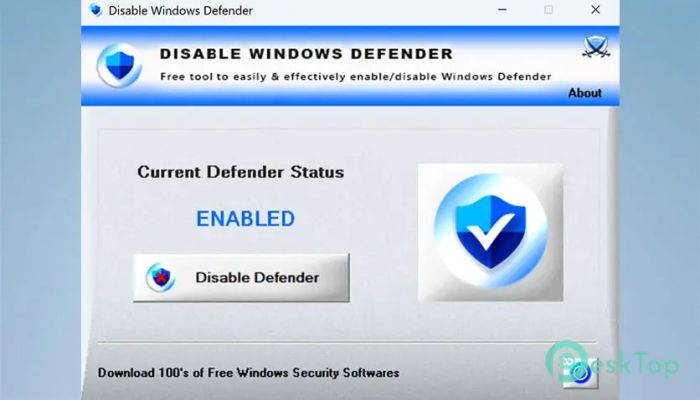
Shows the current Defender status in real time.
Works instantly without requiring a system restart or logoff.
Compatible with both 32-bit and 64-bit Windows versions.
Simple and easy-to-use interface for beginners and experts alike.
System Requirements and Technical Details
Operating System: Windows 11 / 10
Processor: Minimum 1 GHz Processor (2.4 GHz recommended)
RAM: 2GB (4GB or more recommended)
Free Hard Disk Space: 200MB or more is recommended
Comments

3.25 MB
Program details
-
Program size3.25 MB
-
Version2.0
-
Program languagemultilanguage
-
Last updatedBefore 9 Month
-
Downloads194Ralated programs
![Operant Peak Spectroscopy]() Operant Peak Spectroscopy
Operant Peak Spectroscopy ![NeverWrite]() NeverWrite
NeverWrite![FluentCleaner]() FluentCleaner
FluentCleaner![Snippai]() Snippai
Snippai![ChillShot AI]() ChillShot AI
ChillShot AI![Splunk Enterprise]() Splunk Enterprise
Splunk Enterprise
 Operant Peak Spectroscopy
  NeverWrite
 FluentCleaner
 Snippai
 ChillShot AI
 Splunk Enterprise