
 Arabic
  English
  Turkish
  Chinese
  Japanese
  Russian
  Spanish
  German
  French
  Hindi
Hindi Download FileViewPro Gold Edition 1.9.8.23 for Windows
Download FileViewPro Gold Edition 1.9.8.23 for Windows.
FileViewPro Gold Edition Overview
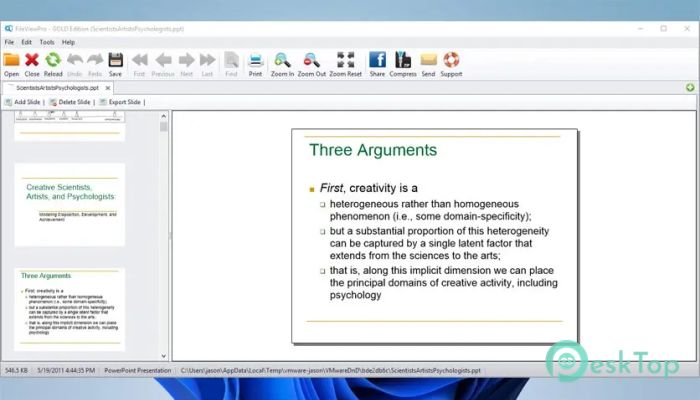
This software is designed for users who are tired of installing multiple programs to open different file types. It works like a universal key that fits most digital locks. Whether you work with documents, videos, music, or images, it brings everything together under one clean, friendly interface. The tool's primary purpose is convenience. Instead of guessing which app opens which file, you double-click and get instant access. It saves time, reduces clutter on your system, and keeps your workflow smooth.Features of FileViewPro Gold Edition
Open Hundreds of File Types Easily
One of the software's strongest features is its support for wide formats. It handles documents, media files, and a wide range of uncommon formats without hesitation. From everyday office files to rare extensions, it opens them quickly and correctly.
This feels like having a digital Swiss Army knife on your PC. You do not need to search online for extra viewers or converters. Everything works from one place.
Watch Videos in Almost Any Format
The built-in video player supports many popular and less common formats, including AVI, FLV, and 3GP. Playback is smooth, and you do not need extra codecs or external players.
This makes it useful for users who download videos from different sources or receive clips in mixed formats. You click, play, and enjoy without extra steps.
Listen to Music Without Extra Players
Audio playback is just as flexible. It supports formats like M4A, FLAC, WMV, and more. The sound quality remains clear, and files open instantly.
It feels like having a universal music player that does not complain about file compatibility. Perfect for mixed music libraries.
View Photos and Images Instantly
The software also works as a capable image viewer. It opens JPG, BMP, TIF, and many other image types without delay.
This is helpful when working with photos from different cameras or design tools. You can preview images quickly without launching heavy editing software.
Simple Drag and Drop Interface
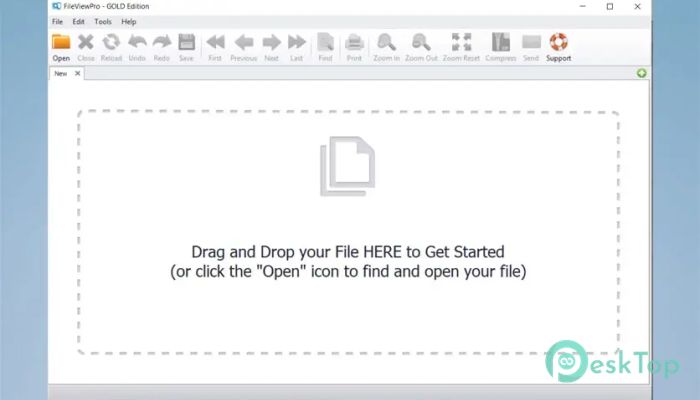
Ease of use is a primary focus here. You can drag any file directly into the window, and it opens instantly. This feels natural, especially for beginners. No complex menus or confusing settings get in the way.
Print Documents in One Click
Printing files is straightforward. If you need a physical copy of a document, the built-in print option handles it smoothly. This is useful for quick office tasks, school work, or sharing hard copies without exporting files to other apps.
Share Files Quickly
The software allows easy file sharing through email in just a few clicks. You do not need to attach files in separate email apps manually. This saves time and simplifies collaboration, especially when sending documents to colleagues or friends.
Compress Files to Save Space
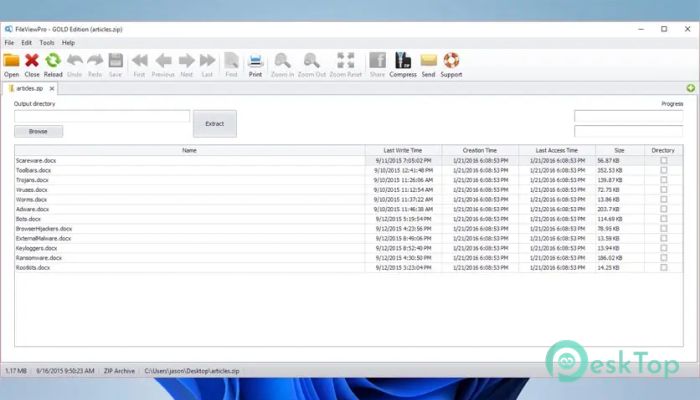
Built-in compression lets you create ZIP files directly. This helps reduce storage usage and speeds up file sharing.
It works well for bundling multiple files together before sending or archiving them.
Instant Word Search Inside Files
Finding specific words or phrases inside documents is quick and accurate. The instant search feature scans files without delay.
This is a lifesaver when dealing with long documents or reports and needing specific information fast.
View Complete File Information
The software displays detailed file information, including size, date, type, and location. Everything is clearly shown in one place.
This helps users understand their files better and manage storage more effectively.
System Requirements and Technical Details
Operating System: Windows 11 / 10 / 8.1 / 7
Processor: Minimum 1 GHz Processor (2.4 GHz recommended)
RAM: 2GB (4GB or more recommended)
Free Hard Disk Space: 200MB or more is recommended

-
Program size48.77 MB
-
Version1.9.8.23
-
Program languagemultilanguage
-
Last updatedBefore 9 Month
-
Downloads71Ralated programs
![Operant Peak Spectroscopy]() Operant Peak Spectroscopy
Operant Peak Spectroscopy ![NeverWrite]() NeverWrite
NeverWrite![FluentCleaner]() FluentCleaner
FluentCleaner![Snippai]() Snippai
Snippai![ChillShot AI]() ChillShot AI
ChillShot AI![Splunk Enterprise]() Splunk Enterprise
Splunk Enterprise
 Operant Peak Spectroscopy
  NeverWrite
 FluentCleaner
 Snippai
 ChillShot AI
 Splunk Enterprise