
 Arabic
  English
  Turkish
  Chinese
  Japanese
  Russian
  Spanish
  German
  French
  Hindi
Hindi Download Microsoft Windows Package Manager / WinGet 1.28.240 for Windows
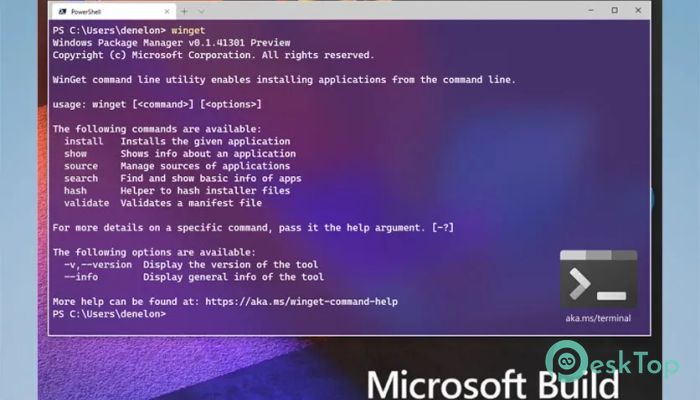
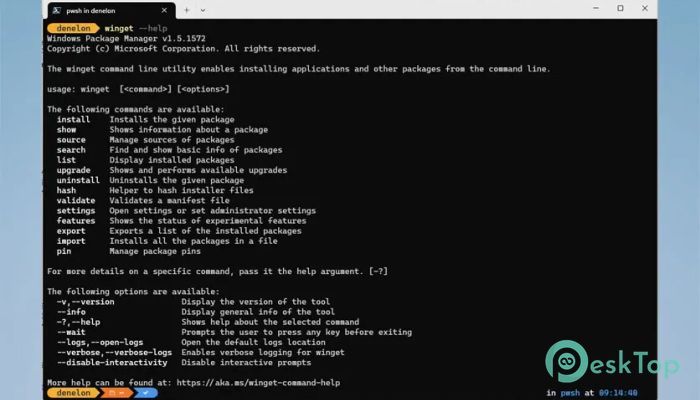
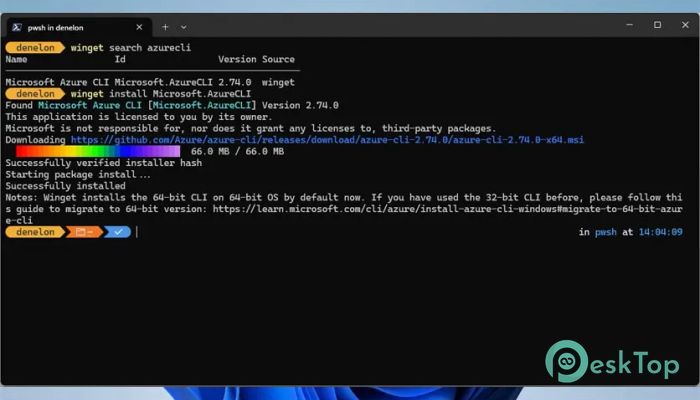
Download Microsoft Windows Package Manager / WinGet 1.28.240 for Windows.
Microsoft Windows Package Manager / WinGet Overview
It is designed to make app installation on Windows simple, fast, and reliable. Instead of searching websites, downloading setup files, and clicking through installers, it handles everything in a clean, controlled way. The experience feels like having a digital toolbox, with every app neatly organized and ready to use. It is delivered via the Microsoft App Installer, allowing users to install applications with a simple double-click or by entering a single command. This eliminates confusion and saves time, especially for people who regularly install or manage many programs.Features of Microsoft Windows Package Manager / WinGet
Simple Installation with App Installer
The software makes installing applications feel effortless. By double-clicking supported packages, users can review essential details, including the app name, publisher, version, and permissions, before proceeding. This transparency builds trust and helps avoid mistakes.
Error messages are clear and easy to understand, acting like road signs that guide users back on track. Even beginners can feel confident while installing software without worrying about complex steps or hidden options.
Command-Line Power for Faster Work
For those who enjoy speed and control, the built-in command-line tool offers a powerful way to manage apps. With short commands, users can search, install, upgrade, or remove programs. It feels like talking directly to the system and getting instant results.
This approach benefits developers and IT professionals who value efficiency. Installing multiple tools at once becomes as easy as writing a single sentence.
Support for Multiple Installer Formats
The tool supports popular installer formats, including MSIX, MSI, EXE, and ZIP. This broad compatibility ensures most Windows applications run smoothly. There is no need to worry about file types or special instructions.
Think of it as a universal key that opens many doors. No matter how an app is packaged, the software knows how to handle it correctly.
Offline App Distribution Made Easy
Offline installation is another strong advantage. Using built-in commands, users can download Microsoft Store apps for later use. This is helpful in environments with limited or controlled internet access.
It replaces legacy offline methods with a cleaner, more modern solution, making software distribution easier for businesses and educational institutions.
Configuration Export and Import
One of the most helpful features is the ability to export and import app and system configurations. Users can save a setup profile and apply it to another device. This feels like copying the soul of one system and placing it into another.
This feature is ideal for quickly setting up new machines or maintaining consistency across multiple systems.
Manage Existing Applications
The software does not stop at installing new apps. It also helps manage installed programs. Updates can be checked and applied without opening each app individually.
This keeps the system clean, up to date, and running smoothly, much like regular maintenance keeps a car in good shape.
Install Multiple Apps with One Command
Installing several applications at once saves time and effort. Instead of repeating the same steps, users can run a single command and let the system handle the work.
This feature feels like setting up dominoes and watching them fall perfectly into place.
Designed for Power Users and Beginners
While it offers advanced tools for experts, it remains friendly for everyday users. The balance between simplicity and power makes it suitable for almost everyone.
System Requirements and Technical Details
Operating System: Windows 11 / 10
Processor: Minimum 1 GHz Processor (2.4 GHz recommended)
RAM: 2GB (4GB or more recommended)
Free Hard Disk Space: 500MB or more is recommended

-
Program size189.14 MB
-
Version1.28.240
-
Program languagemultilanguage
-
Last updatedBefore 3 Month
-
Downloads37Ralated programs
![Operant Peak Spectroscopy]() Operant Peak Spectroscopy
Operant Peak Spectroscopy ![NeverWrite]() NeverWrite
NeverWrite![FluentCleaner]() FluentCleaner
FluentCleaner![Snippai]() Snippai
Snippai![ChillShot AI]() ChillShot AI
ChillShot AI![Splunk Enterprise]() Splunk Enterprise
Splunk Enterprise
 Operant Peak Spectroscopy
  NeverWrite
 FluentCleaner
 Snippai
 ChillShot AI
 Splunk Enterprise