
 Arabic
  English
  Turkish
  Chinese
  Japanese
  Russian
  Spanish
  German
  French
  Hindi
Hindi Download Neuron Software NX Auto Clicker 2.2.2 for Windows
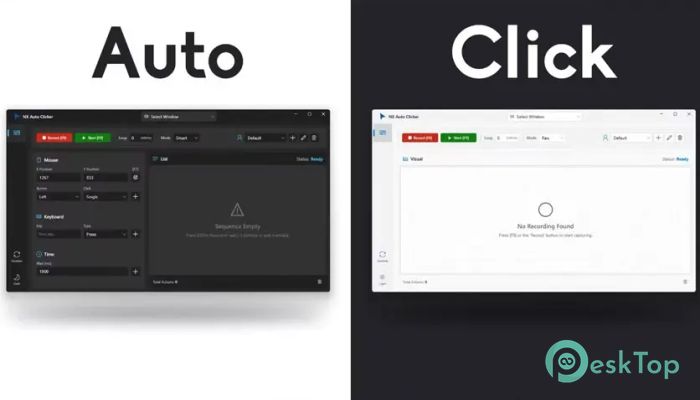
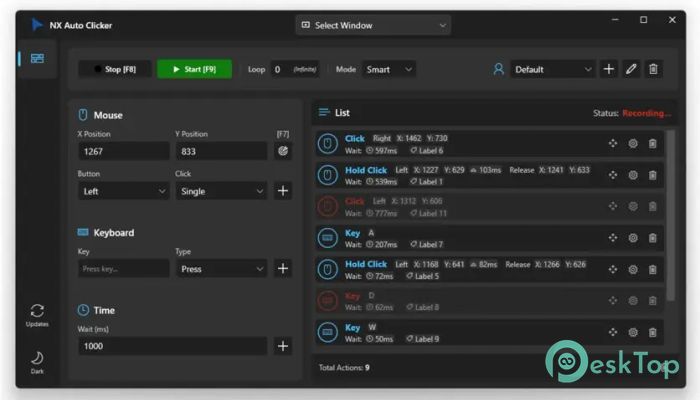
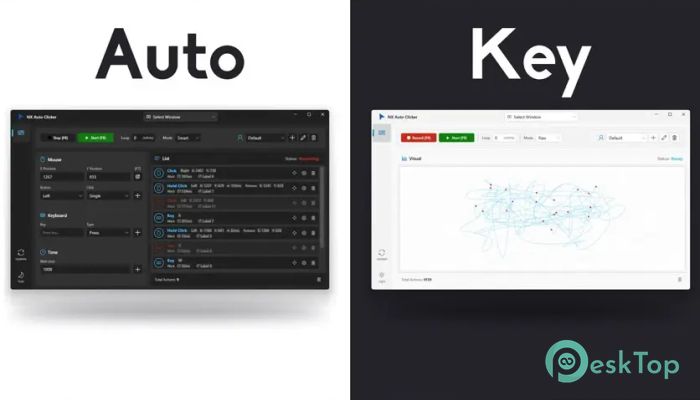
Download Neuron Software NX Auto Clicker 2.2.2 for Windows.
Neuron Software NX Auto Clicker Overview
It is built for people who want things done faster without stress. It focuses on speed, accuracy, and ease of use, making repetitive clicking or key actions feel effortless. From intense gaming sessions to long office routines, it serves as a reliable assistant that never tires.Features of Neuron Software NX Auto Clicker
Simple Interface With Powerful Control
The software keeps everything clean and modern. You do not need to dig through confusing menus or settings. Everything is clearly laid out, so even first-time users can get started quickly. Think of it like a remote control where every button does exactly what you expect.
High-Speed Clicking Performance
It supports extremely fast clicking speeds without freezing or crashing. You can fine-tune delays down to precise intervals, which is useful for games that require rapid actions or tools that depend on repeated mouse input. It runs smoothly in the background while you focus on other things.
Smart Keyboard Macros
Beyond mouse clicks, the tool also supports keyboard automation. You can record key sequences and replay them whenever needed. This feels like teaching your computer a routine, then letting it perform the task perfectly every time.
Perfect for Gaming and Office Work
Gamers value quick response times and stable performance during long play sessions. Office users benefit from reduced manual effort when handling repetitive tasks like form filling, testing, or data entry. It works like a digital shortcut, saving time and energy.
Customizable Hotkeys
You can assign custom hotkeys to start or stop actions instantly. This gives full control without interrupting your workflow. It is like having a pause-and-play button for your automation tasks.
Lightweight and Resource Friendly
The software does not slow down your system. It uses minimal resources, allowing other applications to run without issues. Even older systems can handle it smoothly.
Reliable and Stable Operation
Stability is a key focus here. Long-running tasks remain consistent, and automation does not pause midstream. You can trust it to keep running, even during extended sessions.
System Requirements and Technical Details
Operating System: Windows 11 / 10 / 8.1 / 7
Processor: Minimum 1 GHz Processor (2.4 GHz recommended)
RAM: 2GB (4GB or more recommended)
Free Hard Disk Space: 200MB or more is recommended

-
Program size54.75 MB
-
Version2.2.2
-
Program languagemultilanguage
-
Last updatedBefore 8 Month
-
Downloads39Ralated programs
![Operant Peak Spectroscopy]() Operant Peak Spectroscopy
Operant Peak Spectroscopy ![NeverWrite]() NeverWrite
NeverWrite![FluentCleaner]() FluentCleaner
FluentCleaner![Snippai]() Snippai
Snippai![ChillShot AI]() ChillShot AI
ChillShot AI![Splunk Enterprise]() Splunk Enterprise
Splunk Enterprise
 Operant Peak Spectroscopy
  NeverWrite
 FluentCleaner
 Snippai
 ChillShot AI
 Splunk Enterprise