
 Arabic
  English
  Turkish
  Chinese
  Japanese
  Russian
  Spanish
  German
  French
  Hindi
Hindi Download OnionShare 2.6.5 for Windows
Download OnionShare 2.6.5 for Windows.
OnionShare Overview
This software is designed to provide users with a safe, anonymous way to share information without relying on third-party servers. Using the Tor network keeps your identity hidden and protects your data during transfer. The tool works on Windows and is also available on several privacy-focused operating systems.Features of OnionShare
Secure File Sharing
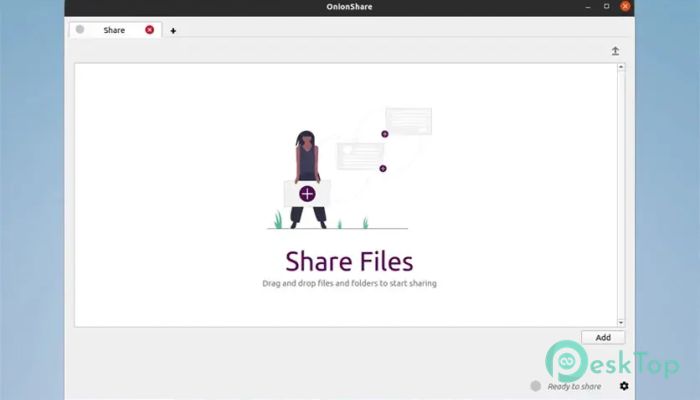
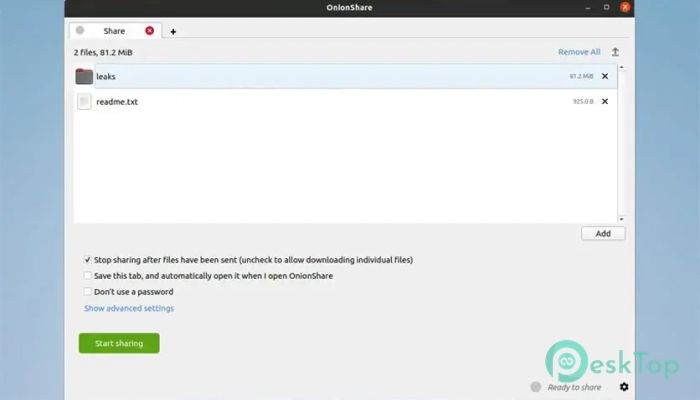
One of the biggest advantages of this tool is its ability to share files without revealing your identity. Instead of uploading your files to a server, the software hosts them directly from your computer. The receiver accesses the files via a unique .onion address that can only be opened in the Tor Browser. This makes the process highly private and reduces any risk of data leaks.
Anonymous Website Hosting
Besides file sharing, the tool lets you host a temporary website straight from your system. You don’t need a domain, hosting plan, or server. Everything works through a hidden address created by the software. This feature helps people share information safely in situations where privacy is needed. Once you close the program, the site goes offline, giving you complete control.
Private Chatting
The tool also includes a secure chat feature. It creates a private chat room using the Tor network, allowing you to communicate with others without leaving digital traces. Since the chat runs through a hidden service, messages remain encrypted and anonymous.
Hosting Dropboxes
Another powerful feature is the ability to create a private Dropbox. This allows others to upload files to your computer through a secret link. It is ideal when you want to receive documents from someone without exposing your identity or using cloud platforms.
Built with Open-Source Technology
The tool is open source, meaning its code is available for anyone to inspect. This builds trust because users can verify how it works. Open-source tools are usually more transparent and community-driven, offering frequent updates and strong security improvements.
How It Works
It runs a temporary web server on your machine when you start sharing something. It then generates a hidden .onion address. Anyone with this address and the Tor Browser can access your hosted content. Since the data stays on your device, you don’t depend on cloud servers. You stay in control, much like handing someone a physical key rather than leaving your belongings in a locker.
Why People Use This Tool
People who value privacy choose this software because it offers freedom without complicated setups. Journalists, activists, researchers, and regular users rely on it to share sensitive information safely. It removes the need for emails, file-hosting websites, or messaging apps that track your activity. Everything stays private and self-controlled.
Easy to Use Interface
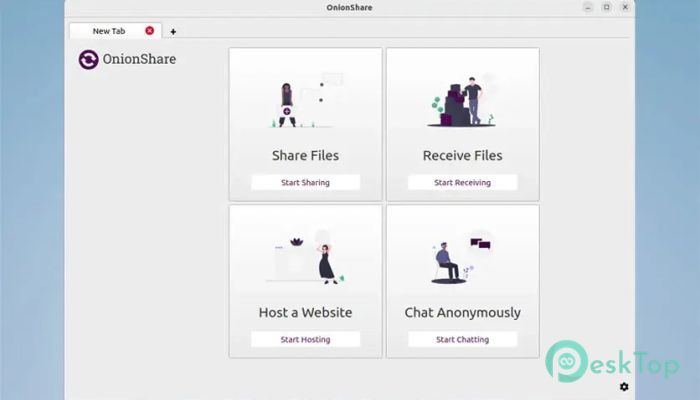
Even though it uses advanced technology behind the scenes, the interface is simple. You pick what you want to do—share files, host a site, chat, or create a dropbox—and the tool generates the address automatically. No technical skills are required.
Cross-Platform Availability
It works on Windows and is preinstalled on privacy-focused systems like QubesOS, Tails, and ParrotOS. These systems are trusted by security experts, which speaks to the reliability of the tool itself.
Safety and Encryption
Everything shared through this tool is fully encrypted. No one can see your IP address, what you are sharing, or who is accessing it. The Tor network adds an extra layer of protection by routing traffic through multiple servers worldwide.
Real-World Benefits
Imagine handing someone a sealed envelope instead of sending a postcard. That’s how the tool works. Your data remains sealed from start to finish. Many users prefer this method because it offers greater control, security, and peace of mind.
System Requirements and Technical Details
Operating System: Windows 11 / 10 / 8.1 / 7
Processor: Minimum 1 GHz Processor (2.4 GHz recommended)
RAM: 2GB (4GB or more recommended)
Free Hard Disk Space: 200MB or more is recommended

-
Program size133.23 MB
-
Version2.6.5
-
Program languagemultilanguage
-
Last updatedBefore 2 Month
-
Downloads36
 Cyotek WebCopy
 Linphone
 Cinny
Cinny AllMapSoft Bing Maps Downloader
  AllMapSoft Yandex Maps Downloader
  AllMapSoft google earth images downloader