
 Arabic
  English
  Turkish
  Chinese
  Japanese
  Russian
  Spanish
  German
  French
  Hindi
Hindi Download QEMU 1.0 for Windows
Download QEMU 1.0 for Windows.
QEMU Overview
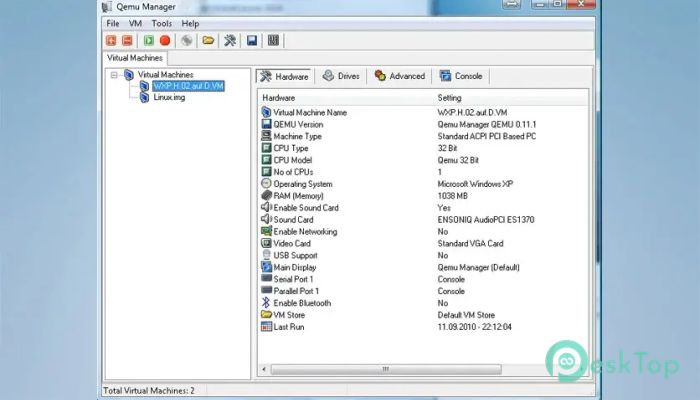
This open-source virtualizer is designed to run programs and whole operating systems from one hardware type on a completely different architecture. It provides a flexible environment that lets users test apps, explore systems, and work across multiple platforms without needing separate physical devices. From developers to tech learners, it offers a stable and reliable space to experiment and build.Features of QEMU
Main Features
This tool brings a long list of useful options that make everyday tasks easier. It supports multiple architectures, including x86, ARM, PowerPC, and more. This makes it a flexible solution for users who want performance and portability. You can also run unmodified guest operating systems without issues, just as you would on a real machine. It even includes advanced device models to make systems behave as naturally as possible. Whether you are working with testing, development, or troubleshooting, the tool adapts to all these needs.
Performance and Speed
The software is known for strong performance due to dynamic binary translation. This method allows instructions built for one CPU type to run smoothly on another CPU type. You get a balance of accuracy and speed, making your virtual machines fast and easy to manage. For users who want even better performance, it works well with hardware acceleration when paired with other virtualization tools.
Architecture Support
One of the strongest aspects of this environment is its ability to emulate a wide range of architectures. From old systems to modern RISC-V platforms, everything runs under one roof. It lets developers and system engineers test software across different machines without needing physical devices. This broad support makes the tool suitable for research, testing, coding, and cross-platform development.
Headless Mode and Remote Access
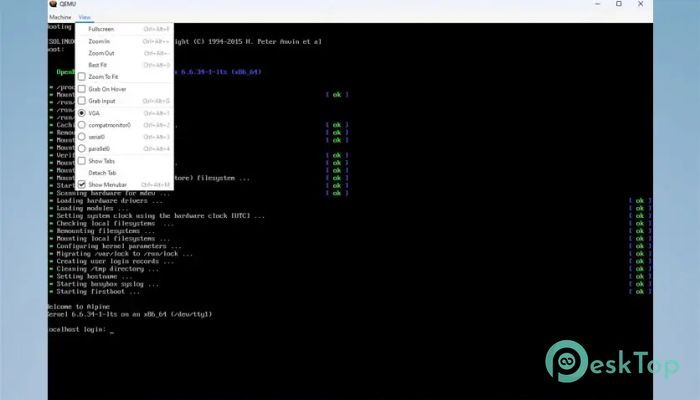
The tool supports headless mode through VNC or serial line access. This makes it perfect for server setups, automation scripts, and cloud-based solutions. You can control and monitor your virtual environments from another machine without opening a graphical window. It’s a clean and professional way to manage workspaces efficiently.
Compatibility and Flexibility
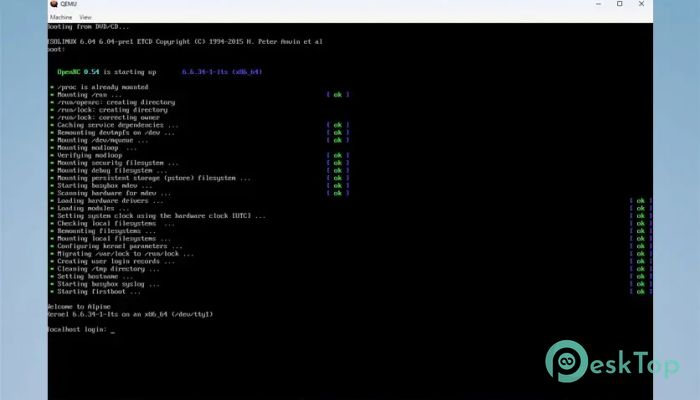
Another strong point is its ability to run a wide range of operating systems without modification. From distributions to older system builds, the tool handles them smoothly. It also includes mixed translation modes to improve execution depending on what you are doing. This flexibility helps users multitask, test, or debug without performance loss.
System Requirements and Technical Details
Operating System: Windows 11 / 10 / 8.1 / 7
Processor: Minimum 1 GHz Processor (2.4 GHz recommended)
RAM: 2GB (4GB or more recommended)
Free Hard Disk Space: 200MB or more is recommended

-
Program size174.77 MB
-
Version1.0
-
Program languagemultilanguage
-
Last updatedBefore 10 Month
-
Downloads53Ralated programs
![Operant Peak Spectroscopy]() Operant Peak Spectroscopy
Operant Peak Spectroscopy ![NeverWrite]() NeverWrite
NeverWrite![FluentCleaner]() FluentCleaner
FluentCleaner![Snippai]() Snippai
Snippai![ChillShot AI]() ChillShot AI
ChillShot AI![Splunk Enterprise]() Splunk Enterprise
Splunk Enterprise
 Operant Peak Spectroscopy
  NeverWrite
 FluentCleaner
 Snippai
 ChillShot AI
 Splunk Enterprise