
 Arabic
  English
  Turkish
  Chinese
  Japanese
  Russian
  Spanish
  German
  French
  Hindi
Hindi Download Rclone 1.72.0 for Windows
Download Rclone 1.72.0 for Windows.
Rclone Overview
This tool offers a fast and flexible way to work with cloud storage. It supports a wide range of services, making it easier to transfer, sync, and control your data. With its user-friendly commands, the tool becomes a dependable companion for handling files across multiple platforms.Features of Rclone
The software comes packed with many useful functions that simplify cloud file management. It blends performance with control, making it suitable for beginners and advanced users alike.
Works with more than 70 cloud storage providers
Offers reliable transfer methods
Supports hashing for file integrity
Preserves timestamps
Allows server-side operations where available
Works with SFTP, FTP, WebDAV, DLNA, and HTTP
Let's you mount cloud storage as a network disk
Restart-friendly transfers
Multi-threaded downloads for better speed
Offers one-way sync, bi-sync, move, and copy features
Supports encryption, compression, chunking, and joining
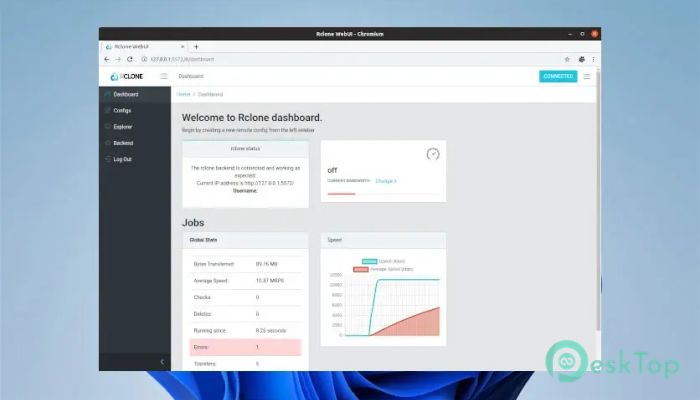
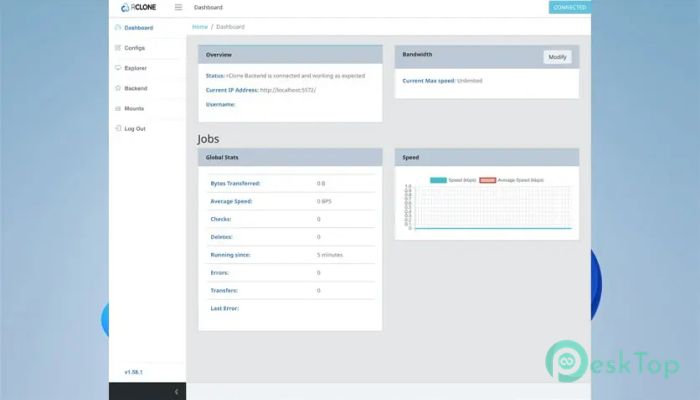
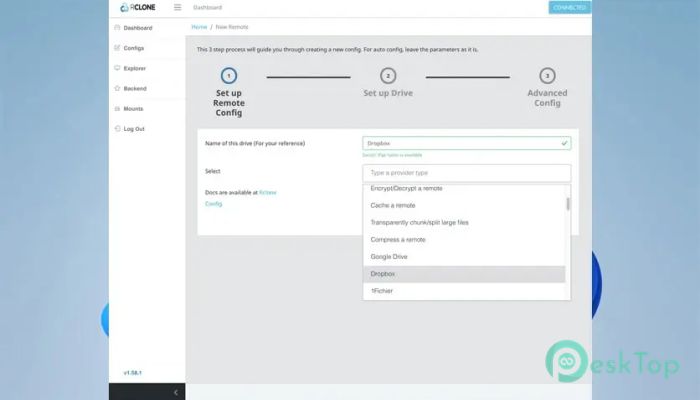
Includes experimental web-based GUI
Works through command line, scripts, and API
Easy to use for both personal and professional needs
How It Works
The tool communicates directly with cloud services. It follows a structure similar to popular Unix commands, so anyone familiar with terminal tools will find it simple to operate. Every command is designed to keep your data safe, complete, and organized.
Cloud Transfer Capabilities
This utility manages files between different storage services without needing local disk space. It can also restart transfers if your internet drops, ensuring nothing is lost or corrupted. With built-in hash checks, the tool ensures each file remains accurate throughout the process.
Advanced Operations
Some functions let you mount cloud accounts as if they were physical drives on your computer. Others allow you to serve files through various protocols, giving you a flexible way to access or share content.
Integration and Automation
Since the program provides command-line and API support, you can integrate it into scripts and automated workflows. Companies and developers use it to build backup tools, restore systems, and business applications.
System Requirements and Technical Details
Operating System: Windows 11 / 10 / 8.1 / 7
Processor: Minimum 1 GHz Processor (2.4 GHz recommended)
RAM: 2GB (4GB or more recommended)
Free Hard Disk Space: 200MB or more is recommended

-
Program size19.97 MB
-
Version1.72.0
-
Program languagemultilanguage
-
Last updatedBefore 10 Month
-
Downloads23
 Windows Backup & Restore Tool
 gSyncing
 ASBYTE Syncing.NET
 Reuschtools CopyWin
  Lazesoft Disk Image and Clone
  Hekasoft Backup.Restore