
 Arabic
  English
  Turkish
  Chinese
  Japanese
  Russian
  Spanish
  German
  French
  Hindi
Hindi Download Royal Apps Royal Server 5.4.50529 for Windows
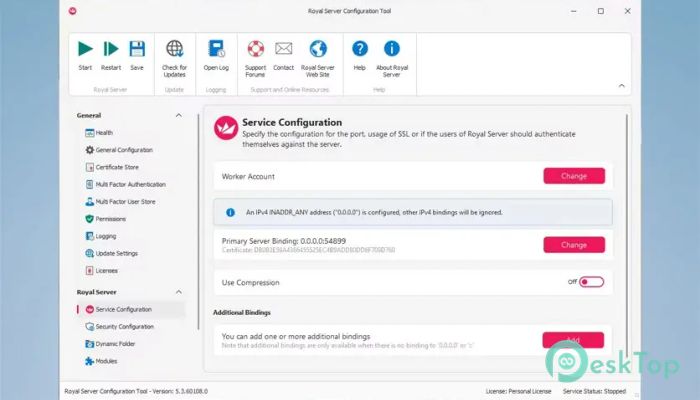
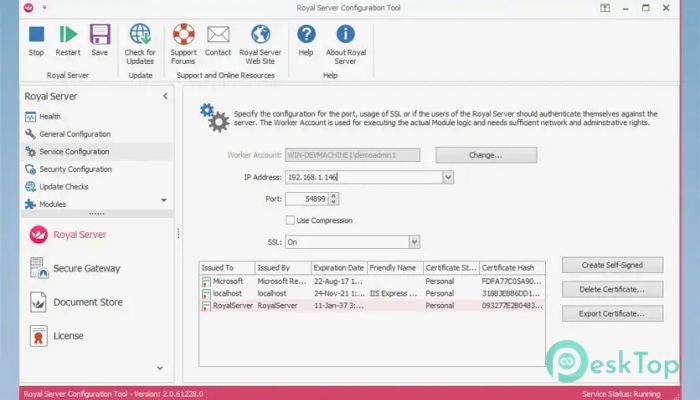
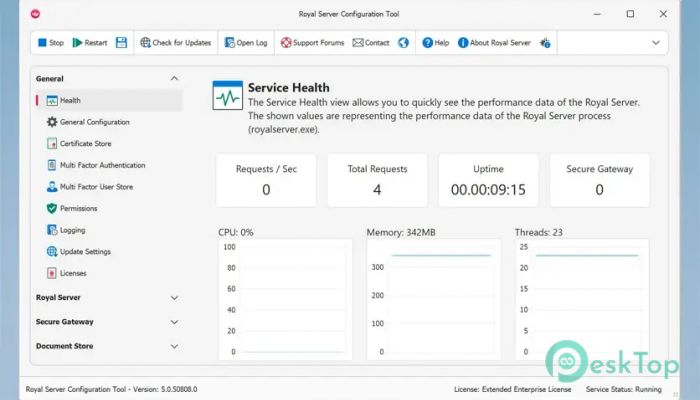
Download Royal Apps Royal Server 5.4.50529 for Windows.
Royal Apps Royal Server Overview
It acts as a central bridge between your systems and management clients, providing a cleaner, more flexible way to control servers. It is built to work side by side with Royal TS/X, allowing admins to manage machines from a single interface without being tied to one operating system. This setup feels like having a universal remote for your entire infrastructure.Features of Royal Apps Royal Server
Seamless Integration with Management Clients
The software blends naturally with Royal TS/X, making everything feel connected and consistent. Once installed, it allows secure communication between your servers and client devices. This tight integration removes the usual friction found in traditional tools, keeping daily tasks fast and predictable.
Cross-Platform Freedom
One of the strongest advantages is true platform independence. It supports connections from Windows and Android clients. This means you can monitor and manage systems from a desktop at work or a mobile device while on the move, just as if you were carrying your control room in your pocket.
Windows Events Management
It allows you to retrieve, filter, and search Windows Event logs from one or more computers. Instead of jumping between machines, all logs can be reviewed from one place. This feels like reading a single dashboard instead of flipping through dozens of notebooks.
Control Over Windows Services
The tool makes managing Windows Services simple and direct. You can start, stop, or review services across multiple systems without having to hop between remote desktops. This centralized control saves time and reduces the chance of missing critical services.
Process Monitoring Made Easy
Managing running processes becomes far more comfortable with a unified view. It lets you inspect active tasks on different computers and take action when needed. Think of it as having X-ray vision into system activity without opening multiple windows.
Terminal Services Session Handling
It supports handling Terminal Service sessions across several machines. You can monitor active sessions, disconnect idle users, or review activity in seconds. This keeps environments tidy and helps maintain performance.
Hyper-V Administration
The software provides tools to list and manage Hyper-V instances from different systems. Virtual machines can be monitored without switching contexts, making virtualization management feel more organized and less stressful.
VMware Management Support
It also includes the ability to list and manage VMware instances. This adds flexibility for mixed environments where different virtualization platforms are in use, helping administrators stay in control without juggling separate utilities.
PowerShell Execution Across Systems
Running PowerShell scripts on multiple computers becomes straightforward. You can execute scripts and instantly see results in one place. It is like sending instructions to a group and hearing all responses at once.
Security and Efficiency Benefits
The tool is designed with secure communication in mind, ensuring that management tasks are handled safely. At the same time, it reduces repetitive work, allowing administrators to focus on solving real problems instead of clicking through menus.
System Requirements and Technical Details
Operating System: Windows 11 / 10 / 8.1 / 7
Processor: Minimum 1 GHz Processor (2.4 GHz recommended)
RAM: 2GB (4GB or more recommended)
Free Hard Disk Space: 200MB or more is recommended

-
Program size134.48 MB
-
Version5.4.50529
-
Program languagemultilanguage
-
Last updatedBefore 3 Month
-
Downloads45
 Cyotek WebCopy
 Linphone
 Cinny
Cinny AllMapSoft Bing Maps Downloader
  AllMapSoft Yandex Maps Downloader
  AllMapSoft google earth images downloader