
 Arabic
  English
  Turkish
  Chinese
  Japanese
  Russian
  Spanish
  German
  French
  Hindi
Hindi Download Rymdport 3.9.1 for Windows
Download Rymdport 3.9.1 for Windows.
Rymdport Overview
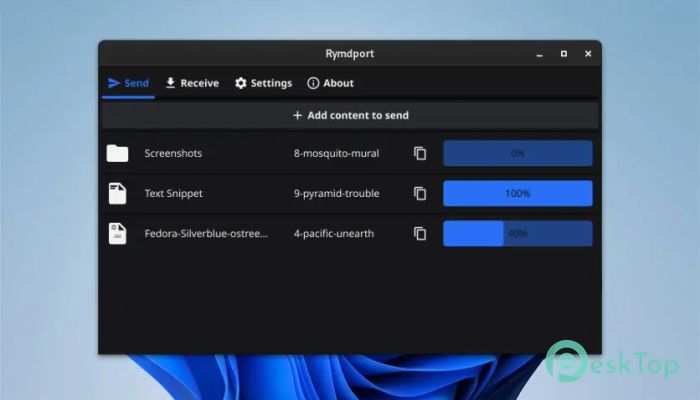
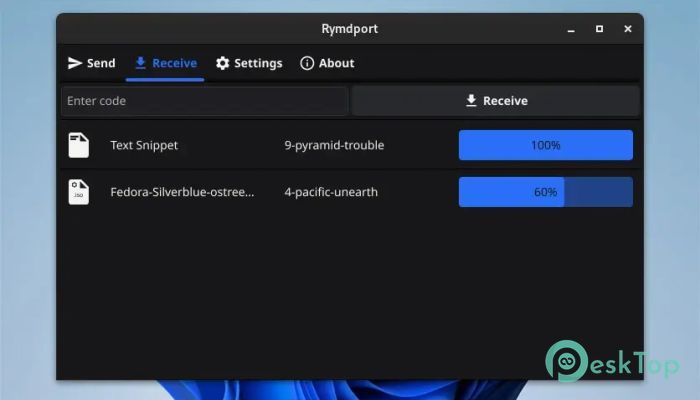
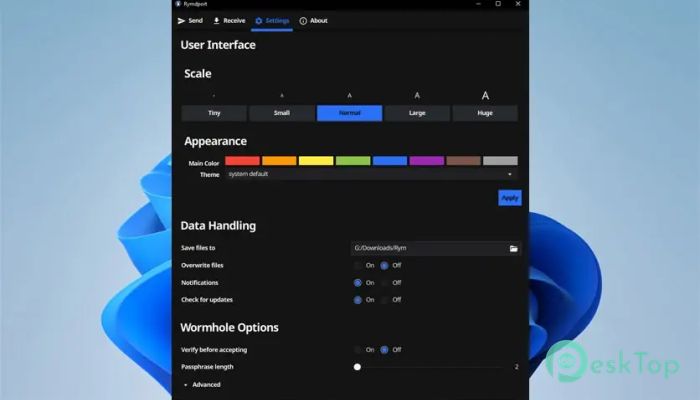
It is built for people who want fast, private, and hassle-free sharing without dealing with accounts, cloud logins, or complicated setups. It focuses on simplicity while keeping security at the core. You install it, open it, and start sending data in seconds.Features of Rymdport
Simple and Clean User Experience
The interface feels calm and uncluttered, making it easy even for first-time users. You are not buried under settings or confusing menus. Everything is placed where it should be, so sharing feels as natural as dragging a file across your desktop.
Secure End-to-End Encryption
The software uses strong end-to-end encryption, ensuring that only the sender and receiver can access the transferred data. Think of it like sending a locked box that only the other person has the key to. No middleman can peek inside.
Cross-Platform Compatibility
It works smoothly across different operating systems, allowing seamless communication between devices. This means you can send files between systems without worrying about format or platform restrictions.
Fast and Efficient Transfers
Behind the scenes, the tool uses a high-performance native implementation that boosts speed and reliability. Transfers feel snappy, even with large folders, much like passing a flash drive without actually plugging one in.
No Accounts or Cloud Dependency
You do not need to create an account or upload files to any external server. Everything happens directly between devices, giving you more control and peace of mind. It is sharing without strings attached.
Native Binary With No Extra Dependencies
The application compiles into a native binary, meaning it runs without needing extra runtimes or background services. This keeps system usage low and performance steady, especially on older machines.
Works With Other Compatible Clients
It is not limited to its own ecosystem. The software can communicate with other compatible clients using the same secure protocol, which makes it flexible for teams and mixed environments.
Ideal Use Cases
This tool fits perfectly for quick file sharing, private text transfer, or moving folders between personal devices. It shines in situations where speed, privacy, and simplicity matter more than flashy features.
System Requirements and Technical Details
Operating System: Windows 11 / 10 / 8.1 / 7
Processor: Minimum 1 GHz Processor (2.4 GHz recommended)
RAM: 2GB (4GB or more recommended)
Free Hard Disk Space: 200MB or more is recommended

-
Program size9.28 MB
-
Version3.9.1
-
Program languagemultilanguage
-
Last updatedBefore 8 Month
-
Downloads14Ralated programs
![Operant Peak Spectroscopy]() Operant Peak Spectroscopy
Operant Peak Spectroscopy ![NeverWrite]() NeverWrite
NeverWrite![FluentCleaner]() FluentCleaner
FluentCleaner![Snippai]() Snippai
Snippai![ChillShot AI]() ChillShot AI
ChillShot AI![Splunk Enterprise]() Splunk Enterprise
Splunk Enterprise
 Operant Peak Spectroscopy
  NeverWrite
 FluentCleaner
 Snippai
 ChillShot AI
 Splunk Enterprise