
 Arabic
  English
  Turkish
  Chinese
  Japanese
  Russian
  Spanish
  German
  French
  Hindi
Hindi Download SiteOne Crawler 2.5.1 for Windows
Download SiteOne Crawler 2.5.1 for Windows.
SiteOne Crawler Overview
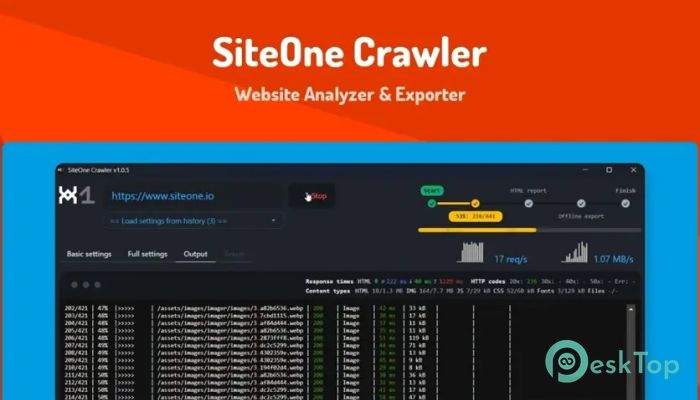
It is a modern desktop and command-line solution built for people who need clear visibility into how a website behaves under the hood. It scans entire sites, follows internal links, inspects assets, and generates structured reports that highlight strengths and weaknesses. The tool works across platforms and runs smoothly on Windows, making it accessible for both beginners and advanced technical users.Features of SiteOne Crawler
Purpose and Core Functionality
It is designed to crawl websites the same way a search engine would. The software systematically discovers pages, images, scripts, and styles while recording how everything connects. This approach makes it easier to spot broken links, missing metadata, slow-loading resources, and structural problems that often go unnoticed.
SEO and Technical Audits
The software performs detailed SEO checks without overwhelming the user. It reviews page titles, headings, meta tags, indexability, and internal linking patterns. Presenting results in a clean format makes it easy to identify what needs fixing and what already works well.
Performance and Speed Insights
Speed matters, and the tool treats it seriously. It analyzes page load behavior, resource sizes, and response times. These insights help identify heavy images, unnecessary scripts, or inefficient page structures that slow things down. Think of it like a fitness tracker for a website, showing where extra weight can be trimmed.
Security and Accessibility Checks
Beyond SEO, it scans for common security misconfigurations and accessibility issues. This includes missing headers, unsafe links, and elements that may cause trouble for users relying on assistive technologies. It serves as a safety inspection, identifying risks before they become real problems.
Offline Website Export Feature
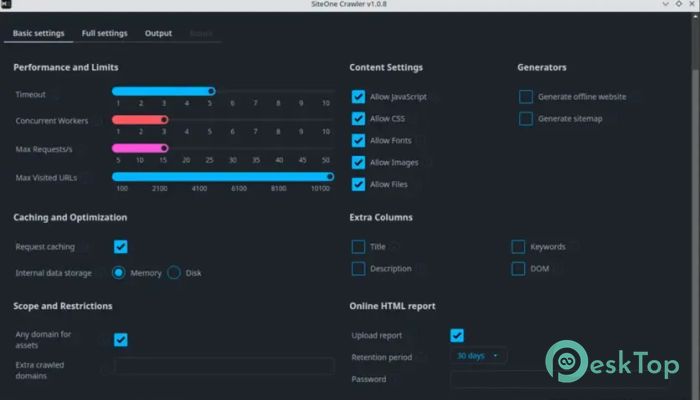
One standout feature is offline website exporting. It allows you to save crawled pages locally for testing, archiving, or demonstrations. This is especially useful when reviewing content without an internet connection or when sharing site snapshots with a team.
GUI and Command-Line Flexibility
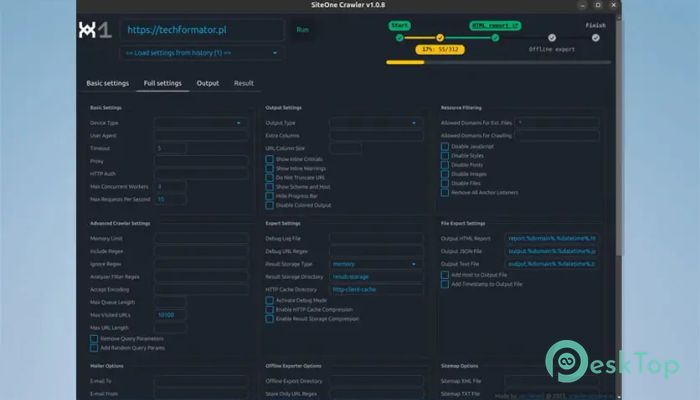
The graphical interface is friendly and visual, while the command-line option caters to power users. Developers and DevOps teams can integrate it into CI/CD pipelines, making automated checks part of regular deployments. This flexibility turns routine audits into a smooth, repeatable process.
System Requirements and Technical Details
Operating System: Windows 11 / 10 / 8.1 / 7
Processor: Minimum 1 GHz Processor (2.4 GHz recommended)
RAM: 2GB (4GB or more recommended)
Free Hard Disk Space: 200MB or more is recommended

-
Program size6.21 MB
-
Version2.5.1
-
Program languagemultilanguage
-
Last updatedBefore 3 Month
-
Downloads49
 Cyotek WebCopy
 Linphone
 Cinny
Cinny AllMapSoft Bing Maps Downloader
  AllMapSoft Yandex Maps Downloader
  AllMapSoft google earth images downloader