
 Arabic
  English
  Turkish
  Chinese
  Japanese
  Russian
  Spanish
  German
  French
  Hindi
Hindi Download Sklad 0.2.0 for Windows
Download Sklad 0.2.0 for Windows.
Sklad Overview
It is designed for people who deal with repeated text every day and want fast access without clutter. It quietly lives in the system tray and waits until you need it. Once installed, it becomes part of your daily flow, making copy-paste tasks smooth and stress-free. Everything stays on your computer, so you remain in control at all times.Features of Sklad
Secure Storage That Feels Effortless
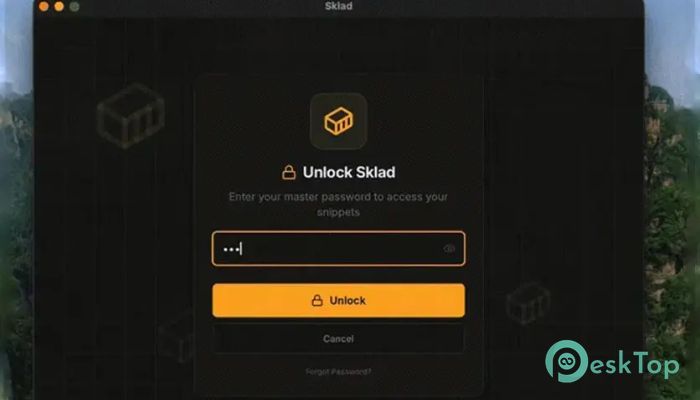
Security is the backbone of this tool. All stored content is locked behind a master password and protected using strong encryption. Even if someone gets access to your system, your data remains unreadable. You get peace of mind without dealing with complex settings or confusing options.
Always One Click Away
The real magic lies in how quickly you can grab what you need. Click the tray icon, select a saved item, and it is copied instantly. No extra windows, no delays. For items you use repeatedly, this speed feels like a small superpower during busy workdays.
Fast Search for Busy Minds
As your list grows, finding items remains easy. A quick keyboard shortcut opens a search bar where results appear as you type. This is perfect when you cannot remember where something is stored but know a few of its details.
Clean Folder Organization
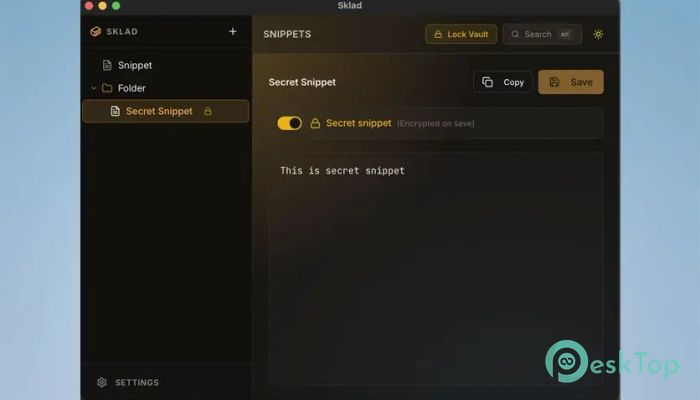
To avoid chaos, snippets can be arranged into folders and even subfolders. You can group work keys, personal notes, templates, or anything else in a way that makes sense to you. This structure keeps everything neat and saves time when switching between tasks.
Comfortable Visual Themes
The interface supports both light and dark themes, so your eyes stay comfortable whether you work day or night. Switching styles is simple, and the clean design keeps distractions away while you focus on your work.
Works Fully Offline
One of the strongest advantages is local-only storage. Nothing is uploaded, synced, or shared online. This makes it ideal for users who value privacy or work in secure environments where cloud tools are not allowed.
Smart Quick Copy Feature
For maximum speed, left-click the tray icon to instantly copy the last used item. This small detail saves seconds that quickly add up, especially for developers, writers, and IT professionals.
Perfect for Daily Productivity
This software fits naturally into many workflows. Whether you manage login details, reuse email replies, or handle technical strings, it quietly supports your routine without getting in the way. Over time, it feels less like a tool and more like a helpful habit.
System Requirements and Technical Details
Operating System: Windows 11 / 10 / 8.1 / 7
Processor: Minimum 1 GHz Processor (2.4 GHz recommended)
RAM: 2GB (4GB or more recommended)
Free Hard Disk Space: 200MB or more is recommended

-
Program size12.39 MB
-
Version0.2.0
-
Program languagemultilanguage
-
Last updatedBefore 7 Month
-
Downloads14
 Trellix Endpoint Security
 Abelssoft KeyDepot 2026
 Bitdefender Antivirus Free
 PDFZilla SecureDrive
 Passbolt
 RoboForm Password Manager