
 Arabic
  English
  Turkish
  Chinese
  Japanese
  Russian
  Spanish
  German
  French
  Hindi
Hindi Download Termius 1.0 for Windows
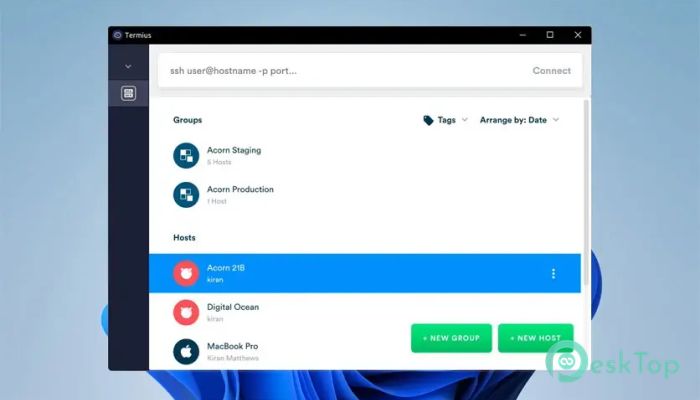
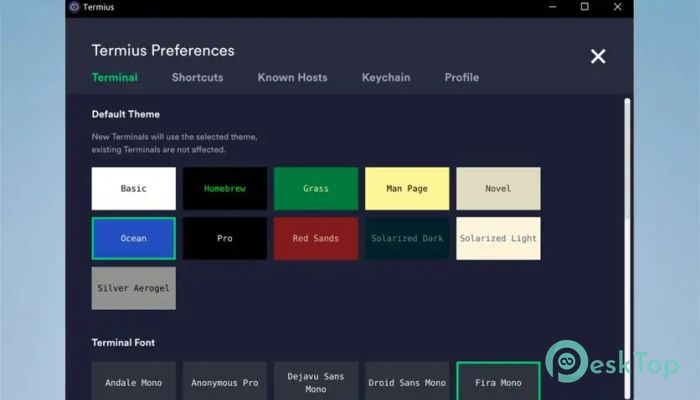
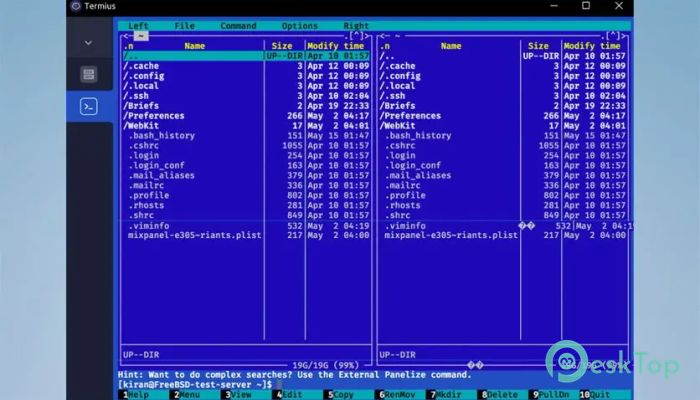
Download Termius 1.0 for Windows.
Termius Overview
It is designed to simplify how people connect to remote servers, cloud machines, and IoT devices. Instead of juggling complex commands, saved passwords, and endless configurations, it consolidates everything into a single, clean workspace. The experience feels smooth and organized, helping users stay focused on real work rather than setup headaches.Features of Termius
Designed for Productivity
The software is designed for productivity. Connections are saved securely, so you don't have to retype long commands. With a single click, users can access their servers. This approach saves time and reduces the small errors that often occur when working manually.
Secure Remote Access Made Simple
Security is treated like a first-class feature. It uses strong encryption to protect credentials and sessions, ensuring peace of mind while working remotely. Whether managing a personal project or handling enterprise-level systems, it keeps sensitive information locked down without adding complexity.
Cloud Sync Across Devices
One of its strongest features is cloud synchronization. All saved hosts, keys, and settings can be accessed from different devices. Start work on a desktop and continue from a laptop or mobile device without missing a beat. It feels like carrying your entire workspace in your pocket.
Built for Teams and Collaboration
For teams, collaboration becomes much easier. Encrypted cloud vaults allow members to share access safely without exposing passwords. Everyone stays on the same page, reducing confusion and repeated work. It turns teamwork into a smooth, coordinated effort.
Clean and Friendly Interface
The interface is modern and clutter-free. Commands, logs, and sessions are easy to read, even during long troubleshooting sessions. This design helps reduce mental fatigue and makes long hours of server management feel more manageable.
Support for Multiple Protocols
Beyond basic remote connections, it supports multiple protocols commonly used by developers and engineers. This flexibility allows users to handle different tasks without switching tools. Everything stays in one place, which keeps workflows tidy and efficient.
Helpful Automation Features
Automation tools like snippets and saved commands help speed up repetitive tasks. Instead of typing the same instructions repeatedly, users can run them instantly. It works like having a shortcut for your most common actions.
Reliable Performance Anywhere
Whether working at an office desk, in a café, or on the couch at home, it delivers consistent performance. Fast connections and stable sessions make remote work feel local. This reliability is crucial when fixing issues under pressure.
Ideal for Modern Workflows
The software fits naturally into modern workflows where flexibility and speed matter. It supports professionals who manage servers, networks, or IoT devices on the go. The result is less friction and more time spent solving real problems.
System Requirements and Technical Details
Operating System: Windows 11 / 10 / 8.1 / 7
Processor: Minimum 1 GHz Processor (2.4 GHz recommended)
RAM: 2GB (4GB or more recommended)
Free Hard Disk Space: 500MB or more is recommended

-
Program size244.27 MB
-
Version1.0
-
Program languagemultilanguage
-
Last updatedBefore 8 Month
-
Downloads24
 Cyotek WebCopy
 Linphone
 Cinny
Cinny AllMapSoft Bing Maps Downloader
  AllMapSoft Yandex Maps Downloader
  AllMapSoft google earth images downloader