
 Arabic
  English
  Turkish
  Chinese
  Japanese
  Russian
  Spanish
  German
  French
  Hindi
Hindi Download Tokri 2026.01.01 for Windows
Download Tokri 2026.01.01 for Windows.
Tokri Overview
This tool is designed for people who juggle multiple small tasks in daily computer work. Instead of opening numerous folders or apps, it provides a temporary space to drop items as you go. Think of it like a digital tray on your desk where you can place items before deciding what to do with them. It focuses on speed and simplicity. There are no complex menus or heavy setup steps. You launch it, keep it open, and start dragging content into it. Everything stays local on your system, making it a safe and privacy-friendly option.Features of Tokri
Drag and Drop Made Effortless
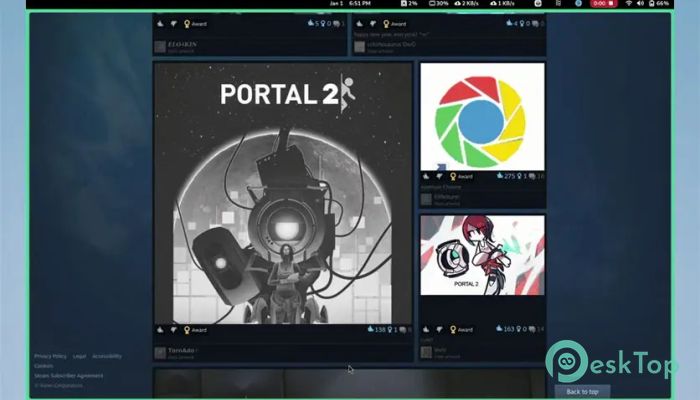
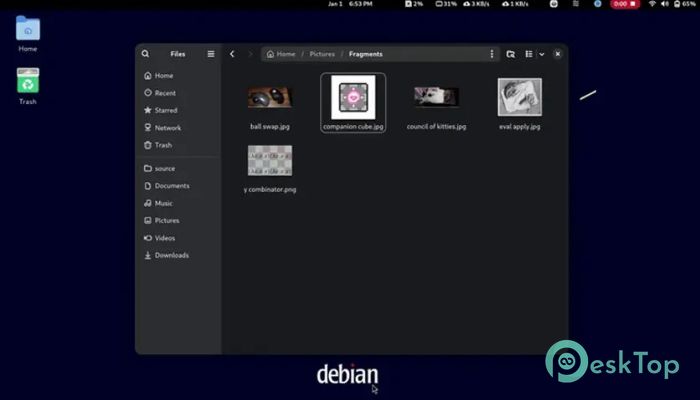
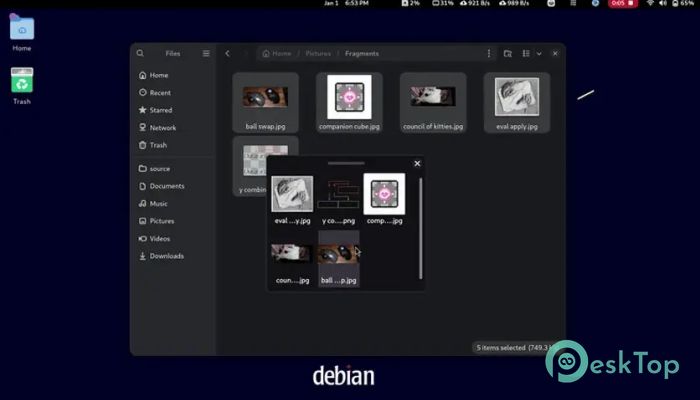
Drag-and-drop is the core of how it works. You can pull files from File Explorer, text from documents, images from browsers, and even URLs from the address bar. Dropping them into the basket feels natural, like placing papers into a physical tray.
This approach reduces desktop clutter and saves time. You do not need to remember where you saved something because everything stays visible until you are ready to act.
Keyboard Shortcuts for Faster Work
For users who prefer the keyboard, the tool supports shortcuts to move or copy items between applications. This makes it useful for power users who want speed without relying on the mouse.
These shortcuts act like quick handoffs. You collect items, switch to another app, and send them to their destination without losing focus.
Minimalist Interface That Stays Out of the Way
The design is intentionally clean. There are no flashy visuals or unnecessary buttons. Everything you see has a purpose. This keeps the interface easy to understand, even for first-time users.
Because it stays lightweight, it does not slow down your system. You can leave it running in the background while working on other tasks without noticing any performance drop.
Open Source and Transparent
Being open source means anyone can review how it works. This builds trust, especially among users who value privacy and control. No hidden processes or data collection are happening behind the scenes.
The open development model also enables the community to enhance features, resolve issues, and adapt the tool to different workflows over time.
Local and Temporary by Design
Everything stays on your own machine. Items placed in the basket are not uploaded or synced unless you decide to move them elsewhere. This makes it ideal for handling sensitive files or private notes.
The temporary nature encourages better organization. Once your task is complete, you clear the basket and start fresh, just like emptying a real tray on your desk.
Works Across Different Environments
Although it runs smoothly on Windows, it also supports Flatpak environments. This flexibility appeals to users who switch between systems or prefer open desktop standards.
Consistent behavior across platforms helps you build the same habits wherever you work.
Ideal Use Cases in Daily Life
Writers can gather research snippets before drafting. Designers can collect reference images in one spot. Office users can prepare attachments before sending emails. Even students can drop their study materials together while researching.
It serves as a pause button for your workflow, allowing you to organize your thoughts and files before moving forward.
System Requirements and Technical Details
Operating System: Windows 11 / 10 / 8.1 / 7
Processor: Minimum 1 GHz Processor (2.4 GHz recommended)
RAM: 2GB (4GB or more recommended)
Free Hard Disk Space: 200MB or more is recommended

-
Program size18.20 MB
-
Version2026.01.01
-
Program languagemultilanguage
-
Last updatedBefore 9 Month
-
Downloads11Ralated programs
![Operant Peak Spectroscopy]() Operant Peak Spectroscopy
Operant Peak Spectroscopy ![NeverWrite]() NeverWrite
NeverWrite![FluentCleaner]() FluentCleaner
FluentCleaner![Snippai]() Snippai
Snippai![ChillShot AI]() ChillShot AI
ChillShot AI![Splunk Enterprise]() Splunk Enterprise
Splunk Enterprise
 Operant Peak Spectroscopy
  NeverWrite
 FluentCleaner
 Snippai
 ChillShot AI
 Splunk Enterprise