
 Arabic
  English
  Turkish
  Chinese
  Japanese
  Russian
  Spanish
  German
  French
  Hindi
Hindi Download Zim - A Desktop Wiki 0.77.0 for Windows
Download Zim - A Desktop Wiki 0.77.0 for Windows.
Zim - A Desktop Wiki Overview
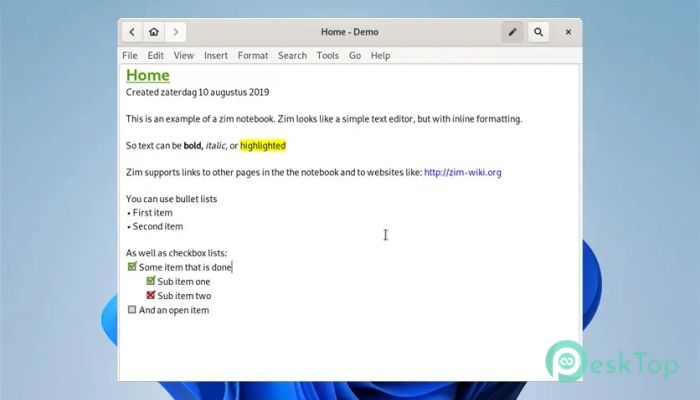
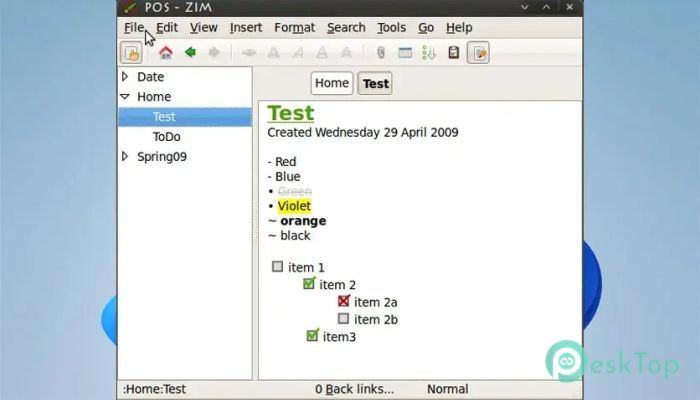
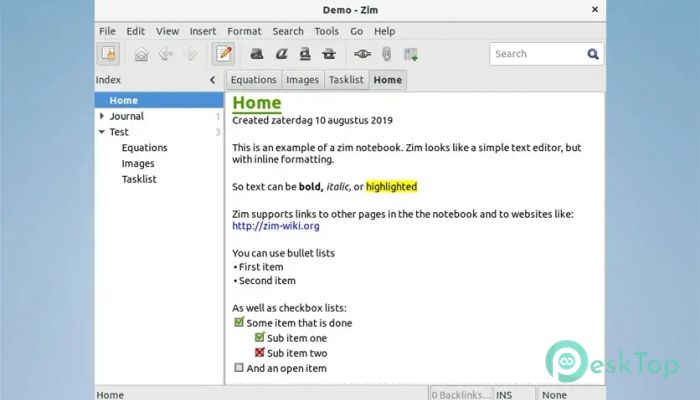
This software works like a personal notebook, with every page linked, allowing you to jump between ideas smoothly. It stores all pages in a clean folder structure, making it easy to browse, edit, or move content whenever needed. The tool offers a familiar layout, so even beginners can start organizing information without a steep learning curve. Since everything is stored as plain-text files, your content stays accessible, portable, and protected from complex formats. The autosave feature ensures your work is never lost while moving between pages or clicking through links. It supports basic formatting styles, such as bold, italics, highlighted text, bullet lists, and headings, making your notes readable and structured.Features of Zim - A Desktop Wiki
Allows creating interconnected pages using simple links.
Saves your notes as plain-text files for long-term accessibility.
Stores content in an easy-to-navigate folder structure.
Offers clean formatting options like bold text, lists, and headings.
Provides autosave support so your writing is always safe.
Includes plugins such as a task manager, equation editor, and tray icon.
Supports attachment handling to add external files.
Works smoothly on Windows and other platforms.
System Requirements and Technical Details
Operating System: Windows 11 / 10
Processor: Minimum 1 GHz Processor (2.4 GHz recommended)
RAM: 2GB (4GB or more recommended)
Free Hard Disk Space: 200MB or more is recommended
Comments

40.10 MB
Program details
-
Program size40.10 MB
-
Version0.77.0
-
Program languagemultilanguage
-
Last updatedBefore 4 Month
-
Downloads17Ralated programs
![Operant Peak Spectroscopy]() Operant Peak Spectroscopy
Operant Peak Spectroscopy ![NeverWrite]() NeverWrite
NeverWrite![FluentCleaner]() FluentCleaner
FluentCleaner![Snippai]() Snippai
Snippai![ChillShot AI]() ChillShot AI
ChillShot AI![Splunk Enterprise]() Splunk Enterprise
Splunk Enterprise
 Operant Peak Spectroscopy
  NeverWrite
 FluentCleaner
 Snippai
 ChillShot AI
 Splunk Enterprise