
 Arabic
  English
  Turkish
  Chinese
  Japanese
  Russian
  Spanish
  German
  French
  Hindi
Hindi Download GifCam 1.0 for Windows
Download GifCam 1.0 for Windows.
GifCam Overview
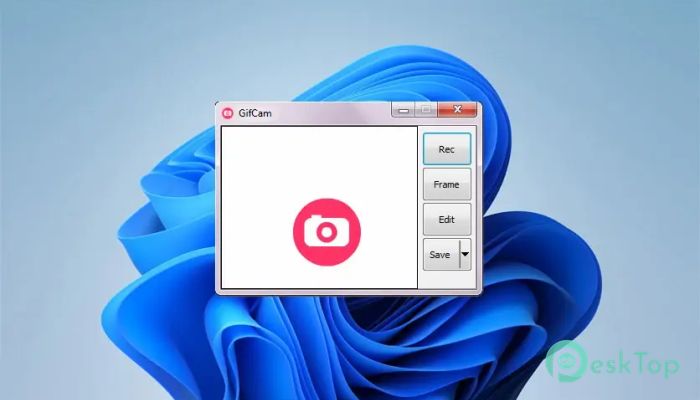
This small yet powerful software works like a virtual camera on your screen. Instead of using complicated editing tools, it lets you simply drag, record, and save animations as GIFs. The beauty of this tool lies in its simplicity. You don’t need technical skills or a steep learning curve. Just open it, position it over the area you want to capture, and hit record. It floats above all windows, so you can record anything on your desktop without switching between apps. Think of it like holding a camera over your screen, capturing every movement frame by frame. Whether you want to create tutorials, demos, or quick animations, this software makes the process feel effortless.Features of GifCam
Simple and Lightweight Design
One of the biggest strengths of this tool is its lightweight design. It doesn’t slow down your system or consume heavy resources. You can run it even on older computers without worrying about lag or crashes. Unlike bulky screen recorders, this one focuses only on what matters.
The interface is minimal and clean. There are no unnecessary buttons or confusing menus. Everything you need is right in front of you, making it perfect for beginners and professionals alike.
Real-Time Screen Recording
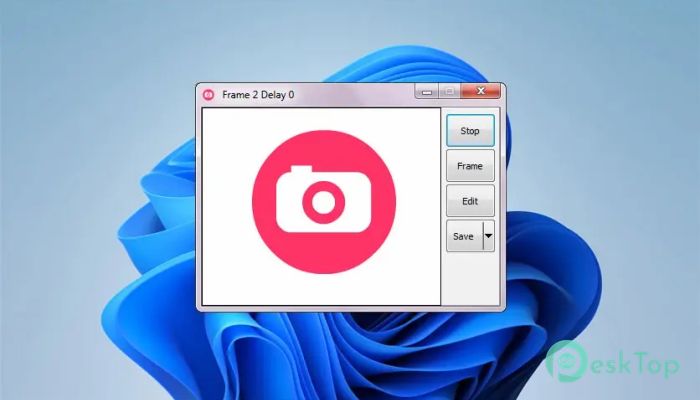
The recording feature works in real time, allowing you to capture actions exactly as they happen. You can resize the recording window to focus only on the part of the screen you want. This gives you full control over your content.
It feels natural, almost like using a handheld camera. You move it, position it, and start capturing instantly. This makes it ideal for recording tutorials, gameplay snippets, or quick how-to guides.
Instant GIF Creation
What sets this software apart is its ability to convert recordings directly into GIFs. You don’t need to export videos and then convert them using another tool. Everything happens in one place.
This saves time and effort. Imagine recording a short clip and having it ready as a shareable GIF within seconds. It’s fast, efficient, and incredibly convenient.
Frame Editing Capabilities
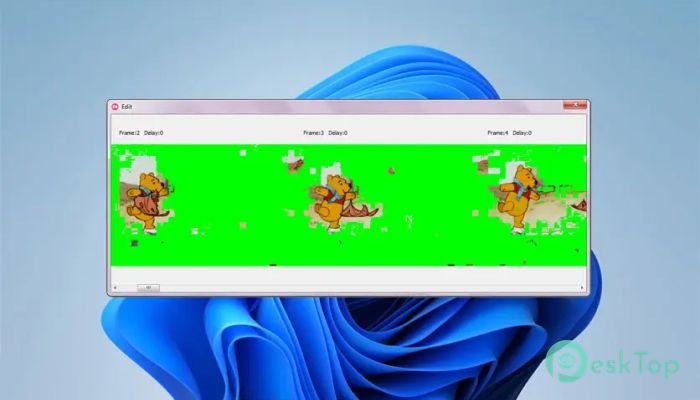
The tool allows you to edit frames after recording. You can delete unwanted frames, adjust delays, and fine-tune your animation. This gives you better control over the final output.
Think of it like flipping through a stack of photos and removing the ones you don’t like. The process is simple yet powerful, helping you create smooth and polished animations.
Portable and No Installation Needed
Another great feature is portability. You don’t need to install anything. Just download the file and run it directly. This makes it perfect for users who prefer quick access without cluttering their system.
You can even carry it on a USB drive and use it on different computers. It’s like having a pocket-sized recording studio wherever you go.
Flexible Recording Options
The software offers flexibility in how you record your screen. You can capture full-screen actions or just a small portion. This allows you to focus on specific details without distractions.
Whether you’re creating educational content or sharing funny moments, the flexibility ensures your recordings are always precise and clear.
Efficient Performance
Performance is smooth and reliable. It records without noticeable delays and produces high-quality GIFs. Even when recording fast movements, the output remains clean and fluid.
This makes it suitable for both casual users and professionals who need consistent results.
User-Friendly Controls
The controls are straightforward and easy to understand. You don’t need to read manuals or watch tutorials to get started. Everything works simply and intuitively.
It feels like using a basic camera. Press record, capture your content, and save it. That’s it. No complications, no confusion.
System Requirements and Technical Details
Operating System: Windows 11 / 10 / 8.1 / 7
Processor: Minimum 1 GHz Processor (2.4 GHz recommended)
RAM: 2GB (4GB or more recommended)
Free Hard Disk Space: 200MB or more is recommended

-
Program size583.95 KB
-
Version1.0
-
Program languagemultilanguage
-
Last updatedBefore 3 Month
-
Downloads14Ralated programs
![ChrisPC VideoTube Downloader Pro]() ChrisPC VideoTube Downloader Pro
ChrisPC VideoTube Downloader Pro![TranscribeKit]() TranscribeKit
TranscribeKit![Vision Search]() Vision Search
Vision Search![DVDFab]() DVDFab
DVDFab![Crynet Showcase]() Crynet Showcase
Crynet Showcase![OVRLEY]() OVRLEY
OVRLEY
 ChrisPC VideoTube Downloader Pro
 TranscribeKit
 Vision Search
 DVDFab
 Crynet Showcase
 OVRLEY