
 Arabic
  English
  Turkish
  Chinese
  Japanese
  Russian
  Spanish
  German
  French
  Hindi
Hindi Download IPTVnator 0.21.0 for Windows
Download IPTVnator 0.21.0 for Windows.
IPTVnator Overview
It is built for people who want a clean, reliable, and flexible way to watch IPTV on a Windows PC. Think of it like a digital TV box inside your computer, replacing cables with pure internet streaming. It focuses on simplicity while still offering powerful features for both everyday viewers and advanced users. IPTV stands for Internet Protocol Television, meaning television content delivered over the internet rather than via traditional satellite or cable signals. This application uses that idea and turns it into a practical desktop solution.Features of IPTVnator
Simple and Clean User Interface
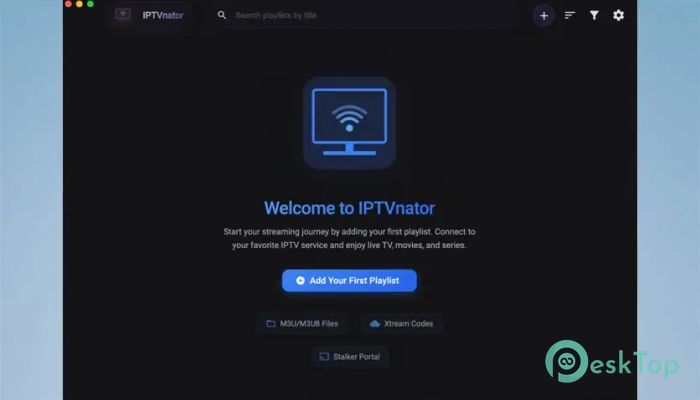
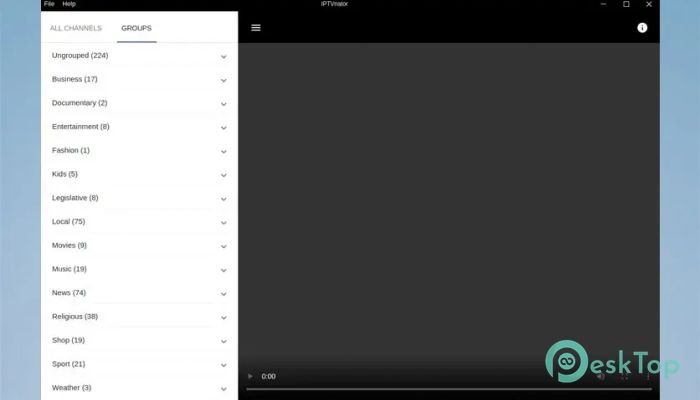
The software features a straightforward, lightweight layout that is easy to understand. Channels, playlists, and guides are organized logically, so you don't have to dig through menus. Even if you are new to IPTV players, it feels familiar, like switching channels on a smart TV.
Support for M3U and M3U8 Playlists
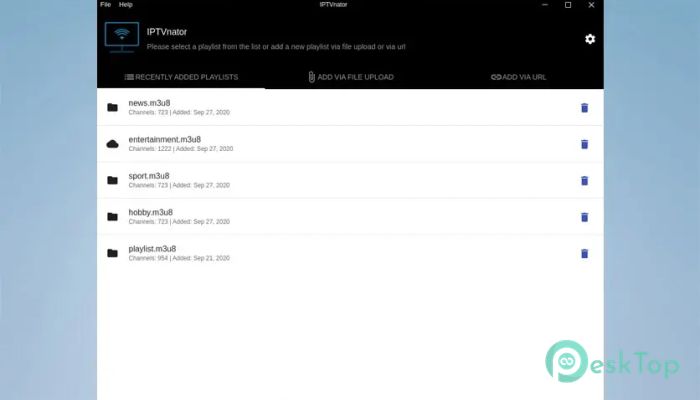
One of its strongest points is playlist compatibility. It fully supports m3u and m3u8 formats, which are widely used for IPTV streaming. You can load playlists from a remote URL or upload them directly from your computer, giving you full control over your content.
Playlist Import Flexibility
The tool allows two easy ways to add content. You can paste an online playlist link or choose a local file stored on your system. This flexibility is like plugging in a USB drive or connecting to cloud storage, whichever suits you best.
Electronic Program Guide (EPG) Support
Watching live TV without a schedule feels incomplete. That is why it supports EPG data in XMLTV format. By adding an EPG URL, you get a full TV guide showing current and upcoming programs, making channel browsing more informed and enjoyable.
Favorites for Quick Access
Scrolling through hundreds of channels can feel like flipping pages in a thick book. The favorites feature addresses this by allowing you to bookmark preferred channels. With one click, your most-watched content is always within reach.
TV Archive and Catch-Up Feature
Missed a show? No problem. The catch-up and TV archive support allows you to watch previously aired programs if your playlist provider includes this feature. It works like a rewind button for live television.
Smooth Playback Performance
The application is optimized for stable playback, reducing buffering when the stream is reliable. It handles video streams efficiently, making it suitable for long viewing sessions without constant interruptions.
Lightweight and Resource Friendly
Unlike bulky media players, it runs smoothly even on average systems. It does not overload your computer, which means you can stream TV while multitasking, browsing, or working without slowdowns.
Customization and Control
Users can easily manage playlists, sort channels, and adjust viewing preferences. It feels like organizing your own TV cabinet, placing everything exactly where you want it.
Ideal for IPTV Enthusiasts
This player is especially useful for users with existing IPTV subscriptions or public playlists. It does not lock you into a single provider, giving you freedom and independence.
System Requirements and Technical Details
Operating System: Windows 11 / 10
Processor: Minimum 1 GHz Processor (2.4 GHz recommended)
RAM: 2GB (4GB or more recommended)
Free Hard Disk Space: 200MB or more is recommended

-
Program size115.89 MB
-
Version0.21.0
-
Program languagemultilanguage
-
Last updatedBefore 4 Month
-
Downloads239Ralated programs
![ChrisPC VideoTube Downloader Pro]() ChrisPC VideoTube Downloader Pro
ChrisPC VideoTube Downloader Pro![TranscribeKit]() TranscribeKit
TranscribeKit![Vision Search]() Vision Search
Vision Search![DVDFab]() DVDFab
DVDFab![Crynet Showcase]() Crynet Showcase
Crynet Showcase![OVRLEY]() OVRLEY
OVRLEY
 ChrisPC VideoTube Downloader Pro
 TranscribeKit
 Vision Search
 DVDFab
 Crynet Showcase
 OVRLEY