
 Arabic
  English
  Turkish
  Chinese
  Japanese
  Russian
  Spanish
  German
  French
  Hindi
Hindi Download Natron 2.5.0 for Windows
Download Natron 2.5.0 for Windows.
Natron Overview
This powerful tool offers a flexible workflow for creating visual effects, motion graphics, and complex compositing tasks. It supports modern open-source technologies such as OpenFX, OpenEXR, OpenColorIO, and OpenImageIO, making it a strong choice for both beginners and professionals. The software also runs on multiple platforms, giving creators freedom and consistency in their workflow.Features of Natron
The tool stands out due to its wide range of intuitive and advanced capabilities that help users craft stunning visuals with ease.
Node-based interface for precise and flexible editing
OpenFX plugin support
Real-time playback and RAM caching
Multi-threaded rendering for faster output
2D tracking tools for motion-based tasks
Cross-platform availability
High dynamic range (HDR) support
Layering and masking features
Python scripting support for automation
Chroma keying and matte extraction options
Node-Based Compositing
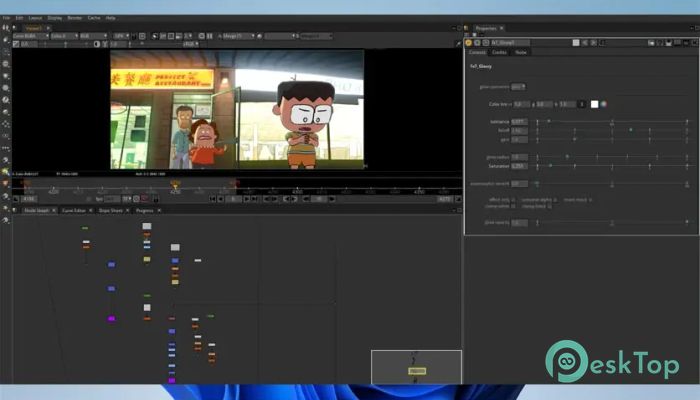
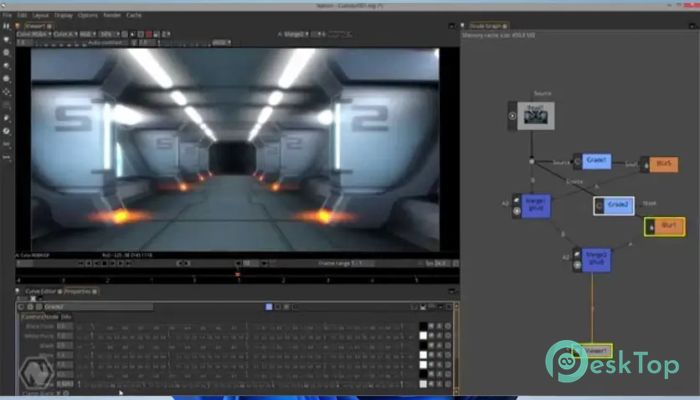
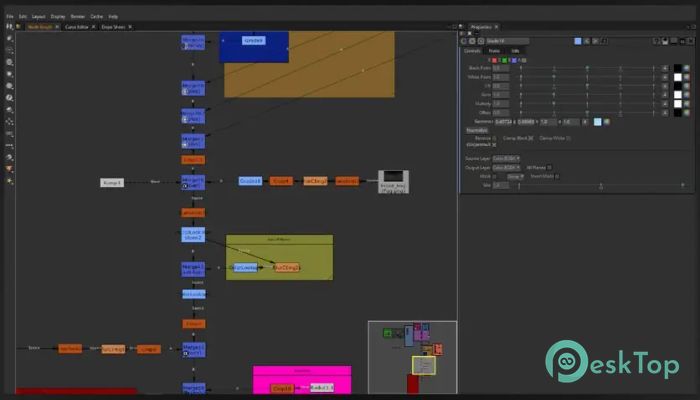
One of the most noticeable strengths of the tool is its node-graph interface. This design makes complex scenes easier to manage by breaking every operation into small, connected components. Instead of relying solely on layers, users enjoy complete control over each element through visual nodes, similar to those used in high-end VFX software.
Real-Time Playback and Caching
The software offers real-time playback, allowing creators to check their compositions without long delays. With RAM caching, repeated previews load faster, especially in effect-heavy scenes. This improves workflow speed and helps users make creative decisions more confidently.
2D Tracking and Keying Tools
The built-in 2D tracking tools make it easy to attach graphics or effects to moving objects in footage. Whether stabilizing a shot or applying motion graphics tied to specific frames, the tool handles these tasks smoothly. It also supports chroma keying and matte extraction, helping editors remove backgrounds, isolate objects, or combine multiple clips cleanly.
Plugin Support and Extensibility
With full OpenFX plugin support, users can expand their toolbox by adding filters, effects, and enhancements from third-party developers. This flexibility allows artists to customize the tool based on their project needs. Python scripting gives advanced users even deeper control, enabling automation, custom functions, and small pipelines.
Cross-Platform and Open-Source Advantages
Since it is open source, users benefit from transparency, community contributions, and free access to professional-grade tools. Its cross-platform nature means users can switch between Windows, macOS, and Linux without changing their workflow. This makes it highly suitable for teams and independent creators.
Performance and Rendering
The tool uses multi-threaded rendering to speed up exports and better utilize modern hardware. Even heavy compositions become manageable due to optimized processing. Users can work with high-resolution content, multiple layers, and effects without significant slowdowns.
System Requirements and Technical Details
Operating System: Windows 11 / 10 / 8.1
Processor: Minimum 1 GHz Processor (2.4 GHz recommended)
RAM: 3GB (16GB or more recommended)
Free Hard Disk Space: 10GB or more is recommended

-
Program size155.04 MB
-
Version2.5.0
-
Program languagemultilanguage
-
Last updatedBefore 9 Month
-
Downloads24
 Paragon Hard Disk Manager 18 Business
 Aescripts MaskMotion
 Aescripts AE Glass
 Aescripts PreFlight
 Aescripts Risograph
 Aescripts Folder Fanatic