
 Arabic
  English
  Turkish
  Chinese
  Japanese
  Russian
  Spanish
  German
  French
  Hindi
Hindi Download Pixelpart 1.8.5 for Windows
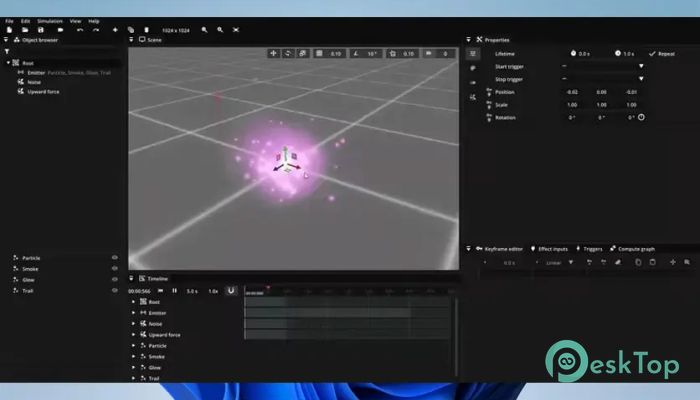
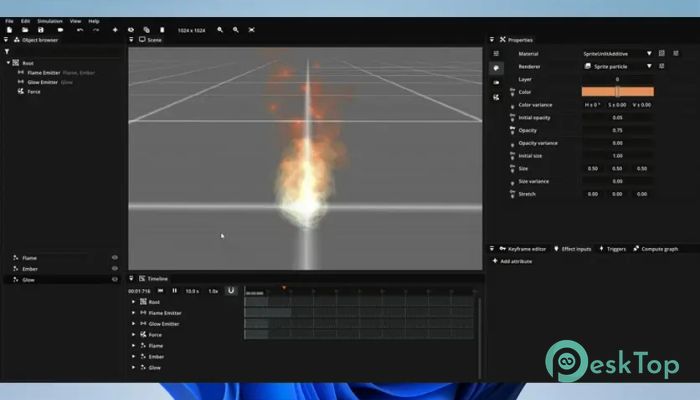
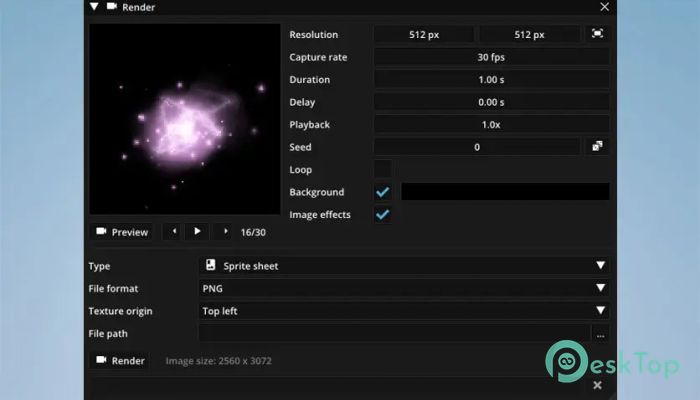
Download Pixelpart 1.8.5 for Windows.
Pixelpart Overview
It is a modern visual effects editor built for developers and creators who want full control over how their effects look and behave. Whether you are working on a small indie project or a larger production, the software helps you design dynamic effects that feel alive and responsive. Instead of static visuals, it allows effects to react to the environment in real time, giving your project a more immersive feel. The tool stands out for its seamless integration with popular game engines. This means you can design effects once and use them directly in your game without complex steps. It bridges the gap between creativity and performance, making it easier for both beginners and professionals to achieve high-quality results.Features of Pixelpart
Simple Yet Powerful Interface
One of the biggest strengths of the software is its clean and user-friendly interface. Everything feels organized and easy to understand, even if you are new to visual effects design. It is like having a professional studio packed into a simple dashboard.
You don’t need to be an expert to start creating. The tool guides you through the process, allowing you to focus more on creativity rather than technical details. At the same time, advanced users can dive deeper into detailed settings for more control.
Real-Time Effect Simulation
It allows you to simulate effects in real time, which is a game-changer for developers. Instead of guessing how something will look in the final project, you can see it instantly. This saves time and reduces errors during development.
The ability to preview effects as they react to different conditions makes the workflow smoother. It’s like watching your ideas come to life right in front of your eyes without waiting for long rendering times.
Seamless Game Engine Integration
The tool provides plugins for popular game engines, making integration extremely smooth. You can design effects and use them directly in your project without additional conversion steps. This feature is especially helpful for game developers who want a faster pipeline.
Because of this integration, effects can respond to in-game events. For example, explosions, smoke, or magical effects can change in response to player actions or environmental conditions. This adds depth and realism to your game.
Dynamic and Interactive Effects
Unlike traditional tools that create static visuals, this software focuses on dynamic effects. It lets you create visuals that adapt and respond, making your project feel more alive. It’s like turning simple animations into living elements inside your game world.
You can control how particles behave, how they interact with forces, and how they change over time. This flexibility gives you endless creative possibilities.
Support for 2D and 3D Effects
Whether you are working on a 2D platformer or a 3D adventure game, the tool has you covered. It supports both types of effects, allowing you to switch between styles without needing separate software.
This versatility makes it a great choice for developers working on a variety of projects. You don’t have to learn multiple tools, which saves both time and effort.
Optimized Performance
It is designed to deliver high-quality visuals without slowing down your project. Performance is always a key concern in game development, and the software ensures that your effects run smoothly.
Even complex particle systems are optimized to maintain performance. This means you can create detailed effects without worrying about lag or performance drops.
Creative Freedom and Flexibility
The tool gives you complete freedom to experiment. You can tweak every detail, from particle behavior to color transitions. It’s like having a digital playground where your imagination sets the limits.
This level of flexibility allows you to create unique effects that stand out. Whether it’s fire, smoke, magic, or abstract visuals, you can shape them exactly the way you want.
Easy Learning Curve
Getting started is simple, even if you have no prior experience. The software is designed to be approachable, with intuitive controls and helpful features. It feels more like a creative tool than a complicated program.
At the same time, it grows with you. As your skills improve, you can explore more advanced features and create more complex effects.
Workflow Efficiency
It helps streamline your workflow by reducing unnecessary steps. From designing effects to integrating them into your project, everything feels connected and smooth.
This efficiency allows you to focus more on creativity and less on technical hurdles. It’s like having a shortcut to professional-quality results.
System Requirements and Technical Details
Operating System: Windows 11 / 10
Processor: Minimum 1 GHz Processor (2.4 GHz recommended)
RAM: 2GB (4GB or more recommended)
Free Hard Disk Space: 200MB or more is recommended

-
Program size37.48 MB
-
Version1.8.5
-
Program languagemultilanguage
-
Last updatedBefore 6 Month
-
Downloads8
 Paragon Hard Disk Manager 18 Business
 Aescripts MaskMotion
 Aescripts AE Glass
 Aescripts PreFlight
 Aescripts Risograph
 Aescripts Folder Fanatic