
 Arabic
  English
  Turkish
  Chinese
  Japanese
  Russian
  Spanish
  German
  French
  Hindi
Hindi Download Superhive Market - Blockout 1.3.0 for Windows
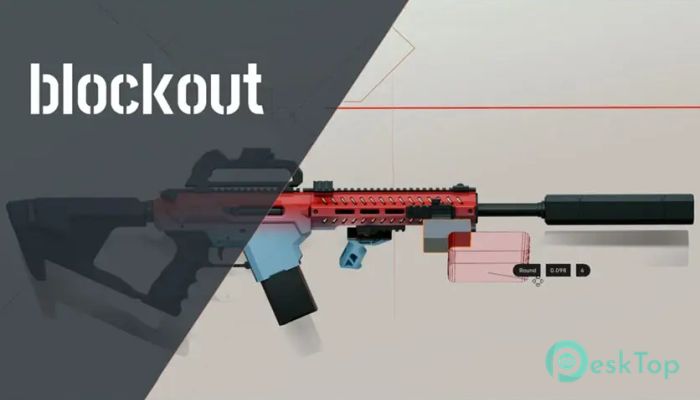
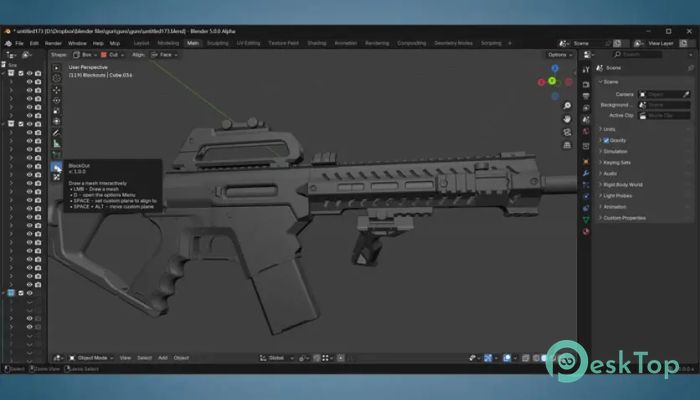
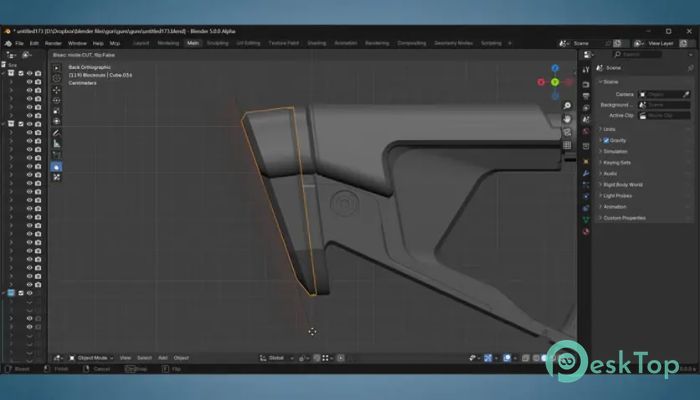
Download Superhive Market - Blockout 1.3.0 for Windows.
Superhive Market - Blockout Overview
This software is designed to make 3D layout creation, modeling, and fine detailing much faster and easier. It brings a fresh, smooth workflow for artists who want speed without losing accuracy. With its clean Boolean system and direct draw-to-model tools, it feels intuitive even for beginners. Whether you're shaping early prototypes or polishing final forms, it adapts perfectly.Features of Superhive Market - Blockout
Streamlined Boolean Workflow
One of the biggest strengths of this tool is its simplified Boolean operations. Tasks such as union, cut, slice, intersect, and carve are handled cleanly without complex setups. Everything feels lightweight, allowing you to experiment freely. Instead of juggling modifier stacks or complex menus, the software keeps things straightforward so you can focus on shaping your ideas.
Fast Layout and Prototyping
Creating quick layouts becomes effortless. The tool lets you build rough blockouts in seconds while still leaving room for later refinement. Its flexible system adjusts easily from early forms to detailed structures. This makes it ideal for artists, designers, or anyone working in 3D who wants to iterate quickly.
Draw-to-Model Functionality
The draw-to-model workflow is one of the most enjoyable features. You click and drag directly inside the viewport to place shapes. From there, you can refine them instantly through the Redo panel. It feels natural, almost like sketching in 3D space.
You can choose from a wide range of shapes, such as:
Rectangle
Circle
N-gon
Box
Cylinder
Sphere
N-hedron
Corner
Bisect
After choosing the shape, select a mode such as Add, Cut, Slice, Intersect, Carve, or Union. This makes modeling feel interactive and highly responsive.
Clean and Intuitive Shape Editing
Every shape you draw can be updated at any time. The Redo panel acts like a live control center for tweaking forms. You don’t need to recreate objects — you adjust parameters until the shape feels right. This keeps your workflow flexible and avoids wasted time.
Perfect for Broad Shapes and Fine Details
The software is designed to work flawlessly across different levels of detail. Whether you're blocking out large structures or honing tiny features, the process stays smooth. It transitions naturally from rough forms to polished designs without needing different tools or add-ons.
Who Can Benefit From This Tool?
This tool suits a wide range of creators, including:
3D artists
Game developers
Designers
Hobby modelers
Concept artists
System Requirements and Technical Details
Operating System: Windows 11 / 10 / 8.1 / 7
Processor: Minimum 1 GHz Processor (2.4 GHz recommended)
RAM: 2GB (4GB or more recommended)
Free Hard Disk Space: 200MB or more is recommended
Blender: 4.5 - 5.0

-
Program size135.47 KB
-
Version1.3.0
-
Program languagemultilanguage
-
Last updatedBefore 9 Month
-
Downloads16
 Paragon Hard Disk Manager 18 Business
 Aescripts MaskMotion
 Aescripts AE Glass
 Aescripts PreFlight
 Aescripts Risograph
 Aescripts Folder Fanatic