
 Arabic
  English
  Turkish
  Chinese
  Japanese
  Russian
  Spanish
  German
  French
  Hindi
Hindi Download Superhive Market - Deep Paint Pro 2.2.2 for Windows
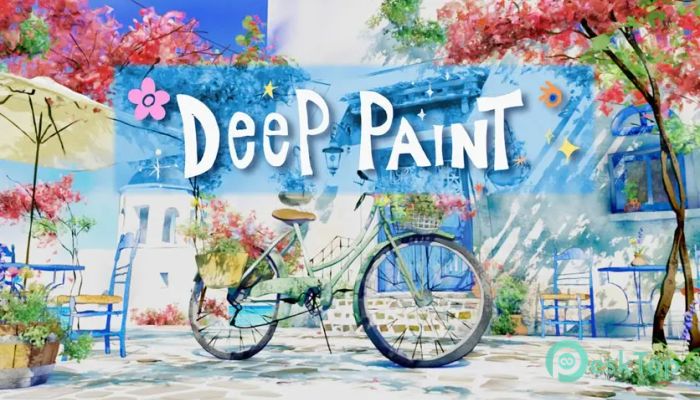
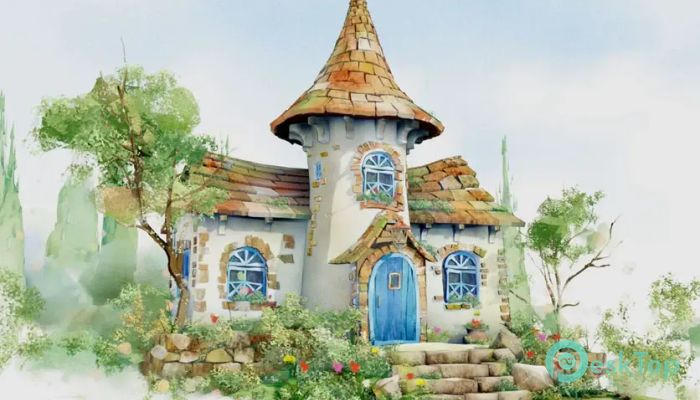

Download Superhive Market - Deep Paint Pro 2.2.2 for Windows.
Superhive Market - Deep Paint Pro Overview
This add-on brings a comfortable 3D painting system to Blender, helping creators turn ideas into polished models and illustrations. It blends Grease Pencil artistry with mesh-building tools so users can move from sketch to final look in less time. Whether you enjoy stylized art, fast concept creation, or clean organic shapes, this software makes the whole process feel simple and enjoyable.Features of Superhive Market - Deep Paint Pro
GP to Mesh
One of the most helpful features is the quick stroke-to-mesh conversion. The tool lets you draw with Grease Pencil and instantly convert your strokes into 3D meshes. You can also convert them into curves, create line meshes, or fill surfaces with ease. This approach speeds up early modeling stages because you can sketch forms like drawing on paper and watch them turn into 3D structures.
Quick Modifier
Another powerful option is the instant modifier application. Instead of stacking modifiers and going back through history, this feature applies them right away. It helps when shaping organic models or refining a design quickly. Use a modifier and see the result on the spot, reducing the back-and-forth that often slows down creative flow.
DPM and Outline Tools
The add-on also comes with a ready-to-use vertex-paint-based stylized shader. This default material, known as DPM, makes it easy for artists to create bold, illustrated looks without spending hours on shading setups. The outline feature adds a clean border around objects, similar to comic or hand-drawn artwork, giving each model a polished, artistic finish.
Simplified Workflow for Artists
The tool is built for artists who prefer staying in the flow instead of navigating complex menus. Sketch, convert, refine, and paint — all within a few clicks. Its clean setup helps beginners feel comfortable, while experienced modelers appreciate how it reduces repetitive steps. Think of it like having a digital sketchbook that instantly transforms drawings into sculptable models.
Fast Stylized Illustration Creation
Because the shader and outline tools are built in, users can quickly create stylized 3D illustrations without relying on external materials or heavy rendering tricks. It offers an efficient way to design characters, props, backgrounds, and visual concepts, especially for animation or game design.
Ideal for Concept Artists and Modelers
The add-on fits nicely into the workflow of concept artists, illustrators, and modelers who enjoy freehand sketching. Sketching with a Grease Pencil, converting strokes to meshes, applying modifiers instantly, and adding artistic shading feels natural and efficient. The software removes many technical steps so you can focus entirely on creativity.
Flexible and User Friendly
Everything inside the tool is built with clarity in mind. Buttons are straightforward, actions happen instantly, and results look clean. You don’t need advanced Blender knowledge to get started. It feels like using a creative shortcut that boosts productivity.
System Requirements and Technical Details
Operating System: Windows 11 / 10 / 8.1 / 7
Processor: Minimum 1 GHz Processor (2.4 GHz recommended)
RAM: 2GB (4GB or more recommended)
Free Hard Disk Space: 200MB or more is recommended
Blender: 3.6 - 4.5

-
Program size34.56 MB
-
Version2.2.2
-
Program languagemultilanguage
-
Last updatedBefore 9 Month
-
Downloads17
 Paragon Hard Disk Manager 18 Business
 Aescripts MaskMotion
 Aescripts AE Glass
 Aescripts PreFlight
 Aescripts Risograph
 Aescripts Folder Fanatic