
 Arabic
  English
  Turkish
  Chinese
  Japanese
  Russian
  Spanish
  German
  French
  Hindi
Hindi Download Superhive Market - Grid Modeler 1.42.1 for Windows
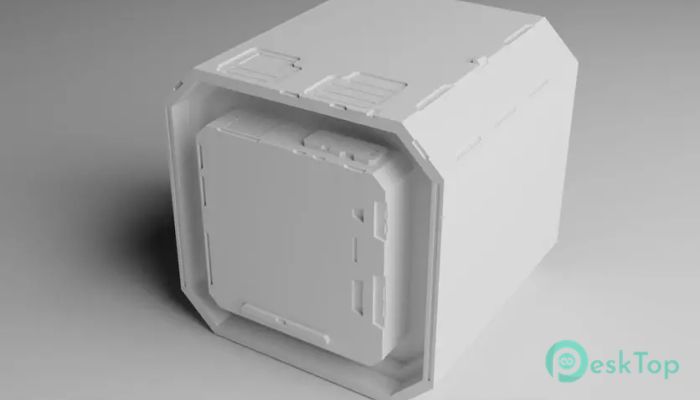
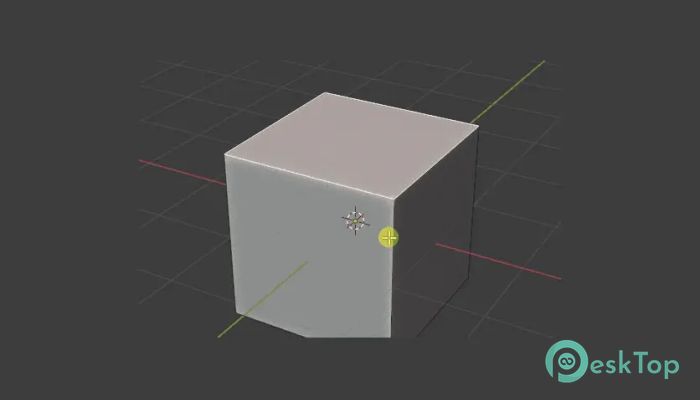
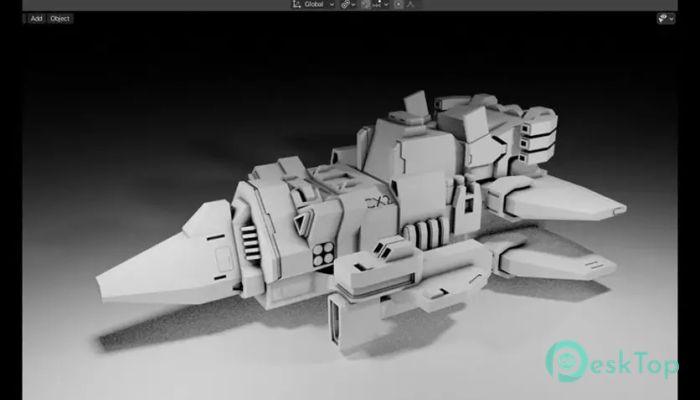
Download Superhive Market - Grid Modeler 1.42.1 for Windows.
Superhive Market - Grid Modeler Overview
This addon offers a fresh, intuitive experience for Blender users who want to model precise shapes without complex steps. It introduces a grid-based design method that lets you draw shapes directly, cut meshes, slice parts, and build new surfaces smoothly. The tool is built to speed up creative work, especially when shaping complex surface models or architectural structures.Features of Superhive Market - Grid Modeler
Boolean Cut
Create new faces
Boolean Slicing
Powerful shape functions
Advanced grid system
Construction lines
Create pipes
Rotate grid plane
Connect geometry across grids
How It Works
The tool follows a simple idea: draw, cut, and build. You can sketch a shape on a grid plane, and the addon instantly generates the equivalent geometry on your model. It handles slicing, cutting, and adding new surfaces without forcing you to switch modes or use complicated Blender functions.
The grid plane acts like a blueprint surface. Once you draw on it, the mesh updates in real time. This helps you keep control over details while maintaining perfect alignment.
Grid System and Precise Control
One of the most significant advantages of this system is its precision. The grid can be rotated in any direction, giving you complete freedom when shaping complex objects. Whether you're creating surfaces on top of each other or designing smooth mechanical details, the grid adapts easily.
Construction lines further improve accuracy by letting you visually guide your shapes, similar to the guidelines used in drawing and CAD tools. These additions make the workflow stable, predictable, and beginner-friendly.
Shape Tools and Work Speed
The tool includes robust shape controls that help you design more complex cuts and surfaces. These functions let you create pipes, rounded shapes, and sharp surfaces within the same workflow. Because everything is done visually, you work faster and avoid unnecessary Blender menus.
Complex modeling that usually takes minutes can be done in seconds, making it an excellent option for creators who value speed and consistency.
About the Addon
This addon was designed to give artists a smoother experience when modeling in Blender. It improves mesh creation, supports layered surfaces, and introduces a consistent way to cut and slice geometry. Many users rely on it for hard-surface projects, product concepts, and mechanical assets because of its ease of use.
Updates and Improvements
The developer frequently updates the addon, improving stability and adding new grid functions. These updates focus on enhancing precision, expanding shape features, and fixing known issues. Over time, it has become more refined and reliable.
Sample Works
Many artists share impressive results made using this tool. Examples include futuristic devices, mechanical joints, sci-fi panels, weapons, and architectural elements. Because the tool lets you build clean edges and symmetrical layouts, the final models often look polished and highly detailed.
Useful Tips
Use construction lines to stay consistent with angles.
Rotate the grid plane for multi-directional modeling.
Combine slicing and Boolean cuts to achieve deeper detail.
Build surfaces layer by layer for cleaner geometry.
Use the grid for both quick blocking and final details.
Known Issues & Limitations
The software is stable, but there are some minor limitations. Complex boolean operations may require manual cleanup, and extremely dense meshes can slow down the interface. These issues are rare and usually easy to correct.
Hardware Support
The tool works well on most modern computers. Blender users with mid-range hardware will still find it smooth and efficient. As long as your system supports standard 3D modeling workloads, you will not face difficulties.
Contacts and Support
The developer offers help through official support channels. Documentation, update logs, and tutorials are also available to guide users. Community forums and Blender groups often provide extra tips from other creators.
System Requirements and Technical Details
Operating System: Windows 11 / 10 / 8.1 / 7
Processor: Minimum 1 GHz Processor (2.4 GHz recommended)
RAM: 2GB (4GB or more recommended)
Free Hard Disk Space: 200MB or more is recommended
Blender: 2.83 - 5.0

-
Program size45.38 KB
-
Version1.42.1
-
Program languagemultilanguage
-
Last updatedBefore 9 Month
-
Downloads8
 Paragon Hard Disk Manager 18 Business
 Aescripts MaskMotion
 Aescripts AE Glass
 Aescripts PreFlight
 Aescripts Risograph
 Aescripts Folder Fanatic