
 Arabic
  English
  Turkish
  Chinese
  Japanese
  Russian
  Spanish
  German
  French
  Hindi
Hindi Download Superhive Market - Nebula Generator 3.0.3 for Windows
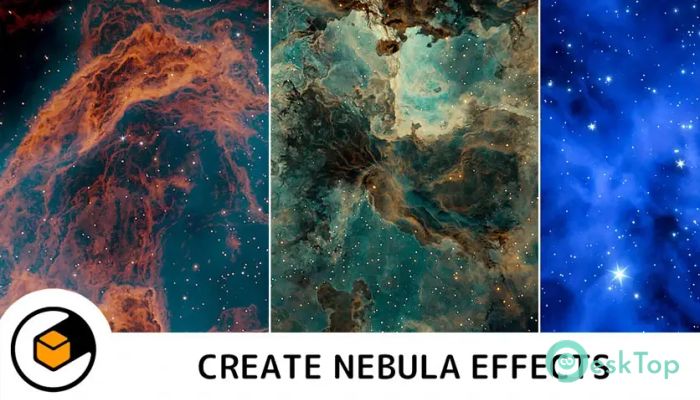
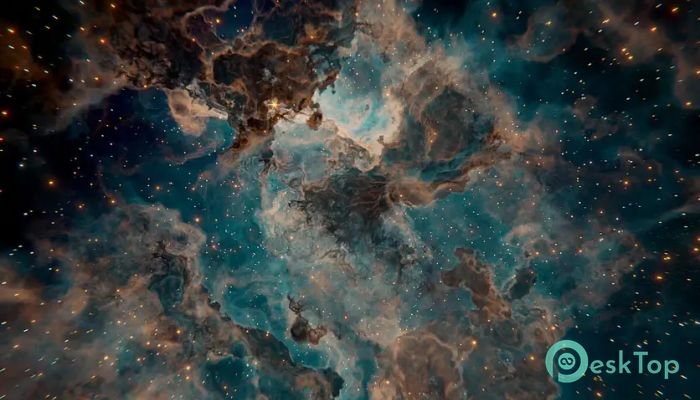
Download Superhive Market - Nebula Generator 3.0.3 for Windows.
Superhive Market - Nebula Generator Overview
This tool is built for artists who love space themes and want more control without complex manual setups. It works directly inside Blender and provides a ready-to-use environment for crafting nebula clouds in both 2D and 3D scenes. Everything feels approachable, even if you are not a technical wizard.Features of Superhive Market - Nebula Generator
Purpose and Creative Vision
It focuses on giving artists freedom rather than forcing them into rigid presets. Think of it like a digital paintbrush for space, where clouds, colors, and stars respond to your imagination. It fits well with concept art, cinematic shots, and background design for games.
Ready-Made Blender Setup
The software comes with a prepared Blender file that saves hours of setup time. Instead of building node systems from scratch, you open the file and start creating instantly. Sample files help you understand how different effects are achieved, making learning smooth and practical.
Simple Control Panel Experience
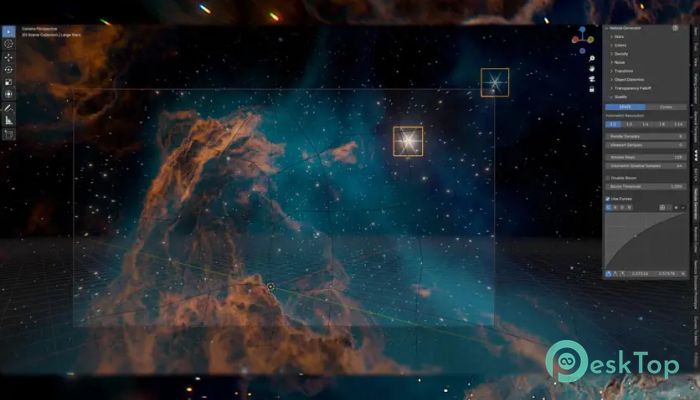
A built-in control panel add-on consolidates all major options into a single, clean interface. Rather than hunting through menus, you adjust everything from a single place. This feels like using a dashboard in a spaceship, where every switch is easy to reach.
Flexible Nebula Colors and Shapes
Color customization is one of its strongest points. You can shift tones, blend shades, and reshape clouds to match any mood. Soft pastel gas clouds or dramatic cosmic storms are both possible with just a few adjustments.
Star and Light Management
It allows full control over stars and light sources. You can change how many stars appear, where they are placed, and how bright they glow. This makes scenes feel alive, like looking through a telescope into deep space.
Pan and Zoom in 3D Space
Navigating the nebula feels natural. You can pan and zoom freely around the 3D setup to frame your scene perfectly. This helps artists fine-tune composition without constantly switching views or tools.
Animation Capabilities
Parameters can be animated to create motion. Clouds can slowly drift, and stars can shimmer or move gently. This is perfect for cinematic intros, looping backgrounds, or atmospheric game scenes.
Support for Blender Render Engines
It works smoothly with both Cycles and Eevee. This means you can choose between realistic lighting or faster previews depending on your project needs. Switching engines does not break the setup, which keeps workflows stress-free.
Ideal Use Cases
The software fits many creative paths. Concept artists use it for sci-fi worlds, game developers create immersive backdrops, and animators add depth to space scenes. It adapts like clay in skilled hands.
Learning Curve and Usability
Beginners feel comfortable thanks to the structured setup, while experienced users enjoy deep customization. It grows with your skills rather than becoming limiting over time.
Performance and Stability
Performance stays stable even with detailed nebula clouds. Smart optimization keeps scenes responsive, so creativity flows without constant technical interruptions.
System Requirements and Technical Details
Operating System: Windows 11 / 10 / 8.1 / 7
Processor: Minimum 1 GHz Processor (2.4 GHz recommended)
RAM: 2GB (4GB or more recommended)
Free Hard Disk Space: 200MB or more is recommended
Blender: 3.6 - 5.0

-
Program size41.74 MB
-
Version3.0.3
-
Program languagemultilanguage
-
Last updatedBefore 8 Month
-
Downloads20
 Paragon Hard Disk Manager 18 Business
 Aescripts MaskMotion
 Aescripts AE Glass
 Aescripts PreFlight
 Aescripts Risograph
 Aescripts Folder Fanatic