
 Arabic
  English
  Turkish
  Chinese
  Japanese
  Russian
  Spanish
  German
  French
  Hindi
Hindi Download Superhive Market - Roadscape 4.13 for Windows
Download Superhive Market - Roadscape 4.13 for Windows.
Superhive Market - Roadscape Overview
This powerful Blender add-on simplifies the entire road-building workflow, enabling creators to design complete road networks without complex geometry setups. The tool automates intersections, terrain carving, and elevation handling, giving artists full control while keeping the process quick and smooth. It works perfectly for environment artists, architects, game developers, and anyone who wants a simple way to generate believable roads inside Blender.Features of Superhive Market - Roadscape
Smart Road Generation
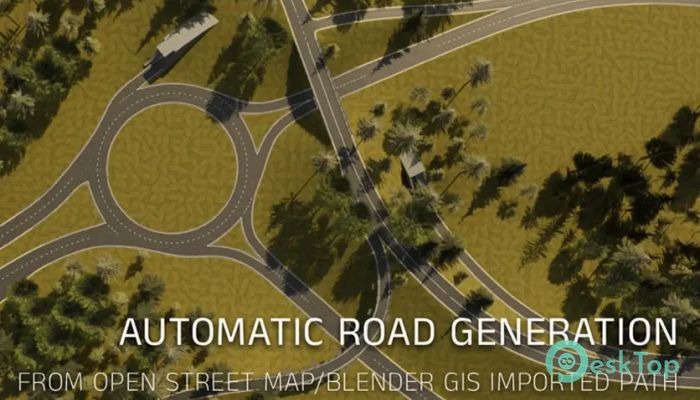
One of the most impressive features of this software is how easily it generates road paths. Whether you draw curves manually or import OSM data, the tool automatically converts them into clean, functional road systems. Crossings, splits, and junctions are handled automatically, removing hours of manual adjustment. This keeps your workflow steady and helps you stay focused on the creative side of your project.
Embedded Roads and Terrain Adaptation
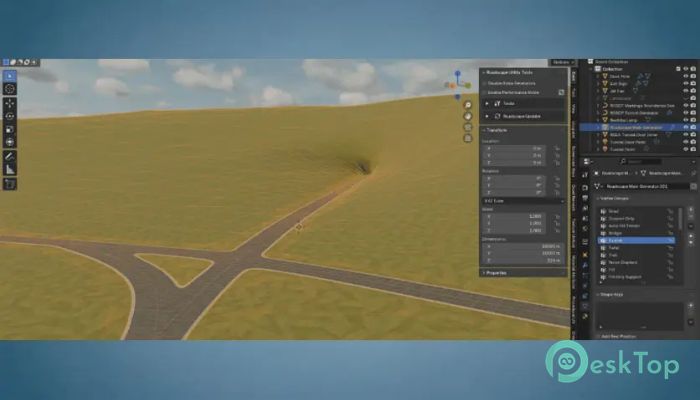
The tool ensures that every road is correctly embedded in the terrain by extruding it into the mesh. The terrain adjusts realistically around it, making the final output look natural and smooth. There is no need to manually fix bumps or sharp terrain cuts, saving artists significant time when working on large environments.
Curbs and Street-Ready Roads
With just a few clicks, any basic road curve can become a fully developed, city-ready layout. Curbs can be added or removed effortlessly, and you can customize their style depending on the type of environment you're building. Whether it's a busy boulevard or a quiet alley, the tool handles everything for you.
Automatic Marking Lines
Adding marking lines is often the most technical part of designing roads. The tool makes this step effortless by automatically positioning marking lines between lanes, along edges, or in the center of a road. This allows you to quickly build realistic highways, downtown streets, racetracks, or industrial zones.
Guardrails, Barriers, and Custom Mesh Support
You can easily add roadside elements like guardrails, jersey barriers, or custom meshes. Draw a curve, and the software instances the selected meshes along it. This is extremely helpful when building game environments or detailed animation scenes requiring road safety elements or structural supports.
Create Tunnels and Bridges
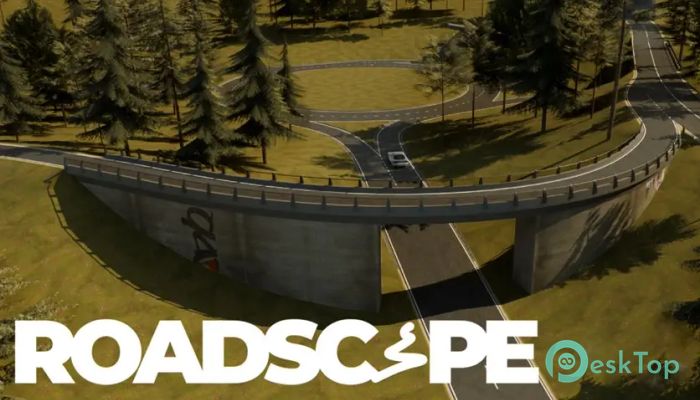
Every road path can instantly turn into a tunnel or a bridge with a simple vertex-group assignment. This flexibility allows creators to design complex structures without having to rebuild their roads from scratch.
Wide Variety of Custom Markings
You get full access to a diverse library of markings, including crosswalks, arrows, parking spots, grids, and race track patterns. Whether you're making a realistic city layout or a stylized environment, these markings help you reach the level of detail your project needs without spending hours creating them manually.
Improves Workflow for Artists
This tool helps both beginners and professionals by reducing the technical burden of road design. Instead of spending time wrestling with geometry nodes, artists can concentrate on visual storytelling, environment layout, and project polish.
Practical Uses
The add-on is well-suited for game development, animation, architectural visualization, and large-scale landscape creation. It helps create highways, bridges, tunnels, and detailed sidewalk systems in a fraction of the time.
System Requirements and Technical Details
Operating System: Windows 11 / 10 / 8.1 / 7
Processor: Minimum 1 GHz Processor (2.4 GHz recommended)
RAM: 2GB (4GB or more recommended)
Free Hard Disk Space: 10GB or more is recommended
Blender: 4.5

-
Program size4.59 GB
-
Version4.13
-
Program languagemultilanguage
-
Last updatedBefore 9 Month
-
Downloads46
 Paragon Hard Disk Manager 18 Business
 Aescripts MaskMotion
 Aescripts AE Glass
 Aescripts PreFlight
 Aescripts Risograph
 Aescripts Folder Fanatic