
 Arabic
  English
  Turkish
  Chinese
  Japanese
  Russian
  Spanish
  German
  French
  Hindi
Hindi Download Superhive Market - Transfer Vertex Order 1.1.0 for Windows
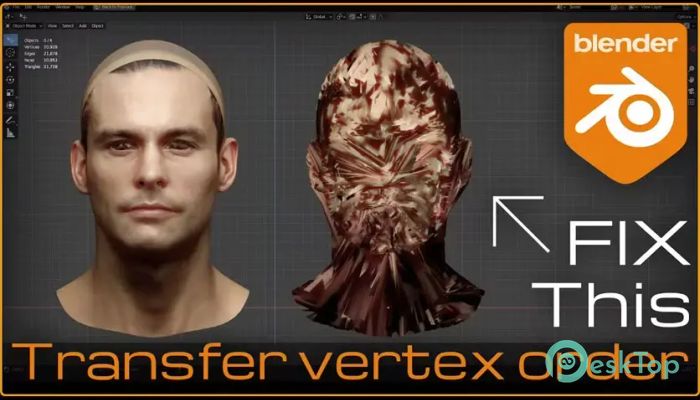
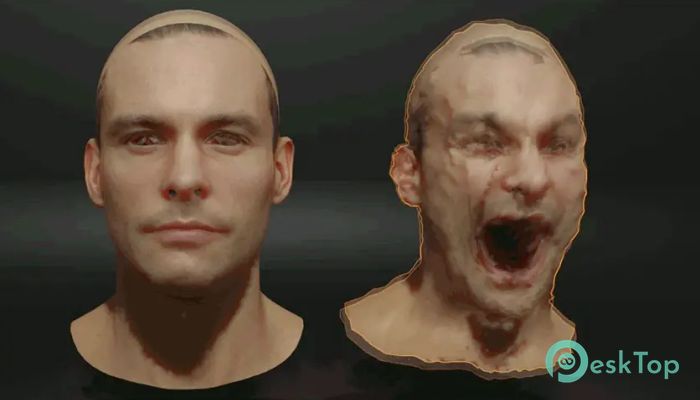
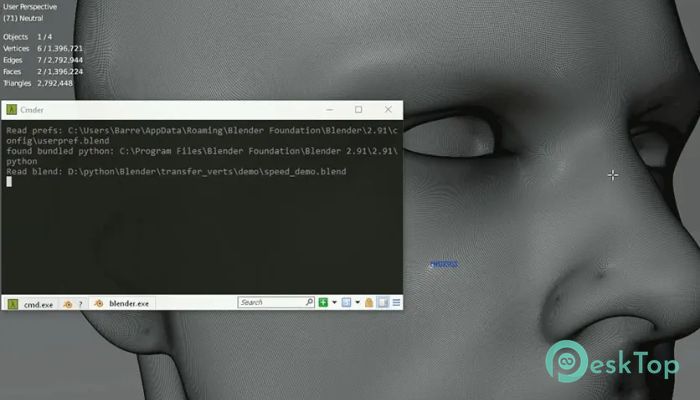
Download Superhive Market - Transfer Vertex Order 1.1.0 for Windows.
Superhive Market - Transfer Vertex Order Overview
This tool is built for artists and developers who often work with 3D meshes and need precise control over vertex order. It focuses on a very specific but powerful function: transferring the ordering of vertices, edges, and faces from one mesh to another with the same topology. Instead of doing complex manual adjustments, it simplifies the workflow into just a couple of clicks. Think of it like copying the structure of a puzzle from one completed version to another identical one. Everything fits perfectly without needing to rearrange pieces. This makes it extremely useful for animation, rigging, and advanced modeling tasks where consistency is critical.Features of Superhive Market - Transfer Vertex Order
The tool comes with several practical features that make it easy to use while saving time and effort:
Quick transfer of vertex, edge, and face order
Simple pie menu access for faster workflow
Works with meshes that share identical topology
Lightweight and fast performance
No complex setup required
Improves consistency in modeling pipelines
How It Works
The core idea behind this tool is simple. When two meshes have the same structure, their vertex order can be matched. The add-on allows users to copy the order from one mesh and apply it to another instantly.
Instead of manually aligning or reordering elements, which can be time-consuming and error-prone, the process becomes automated. You just select the source mesh, copy its order, and then apply it to the target mesh using the pie menu.
This is especially helpful when working with morph targets, shape keys, or simulations where even a small mismatch can break the result.
Why Vertex Order Matters
Vertex order might sound like a small detail, but it plays a big role in many 3D workflows. It affects how animations behave, how deformations are applied, and how data is transferred between models.
Imagine trying to sync two dancers, only for their steps to be out of order. Even if they look similar, the performance won’t match. In the same way, mismatched vertex order can cause serious issues in rendering or animation.
This tool ensures that everything stays aligned, making your work more reliable and predictable.
User Interface and Ease of Use
The add-on is designed with simplicity in mind. The pie menu system lets you access the main functions quickly without digging through complex menus.
Even beginners can understand how it works after a short time. The layout is clean, and the actions are straightforward. You don’t need advanced technical knowledge to get started.
It feels more like using a shortcut than learning a new system, which is always a plus when working on tight deadlines.
Performance and Efficiency
Speed is one of the biggest advantages here. The tool performs operations almost instantly, even on larger meshes. Since it focuses on a specific task, it avoids unnecessary overhead and keeps things efficient.
This means you can integrate it into your workflow without slowing down your system. It works quietly in the background, doing exactly what you need without complications.
Use Cases in Real Projects
This tool can be used in many real-world scenarios. For example, when working on character models, you may need to duplicate a mesh and make adjustments while preserving the original structure.
It is also useful in game development where consistent mesh data is required for animations and physics. Another common use is in visual effects, where multiple versions of a model must behave identically.
In short, it acts like a bridge that keeps different versions of a model connected and synchronized.
Advantages for Professionals
For professionals, time is money. This tool helps reduce repetitive tasks and minimizes the risk of errors. It allows artists to focus more on creativity rather than technical fixes.
It also improves collaboration. When multiple team members are working on similar assets, maintaining consistent vertex order becomes much easier.
This leads to smoother pipelines and fewer headaches during production.
System Requirements and Technical Details
Operating System: Windows 11 / 10 / 8.1 / 7
Processor: Minimum 1 GHz Processor (2.4 GHz recommended)
RAM: 2GB (4GB or more recommended)
Free Hard Disk Space: 200MB or more is recommended
Blender: 2.8 - 5.0

-
Program size4.95 KB
-
Version1.1.0
-
Program languagemultilanguage
-
Last updatedBefore 5 Month
-
Downloads7
 Paragon Hard Disk Manager 18 Business
 Aescripts MaskMotion
 Aescripts AE Glass
 Aescripts PreFlight
 Aescripts Risograph
 Aescripts Folder Fanatic