
 Arabic
  English
  Turkish
  Chinese
  Japanese
  Russian
  Spanish
  German
  French
  Hindi
Hindi Download Superhive Market - UV Flow 1.1.1 for Windows

Download Superhive Market - UV Flow 1.1.1 for Windows.
Superhive Market - UV Flow Overview
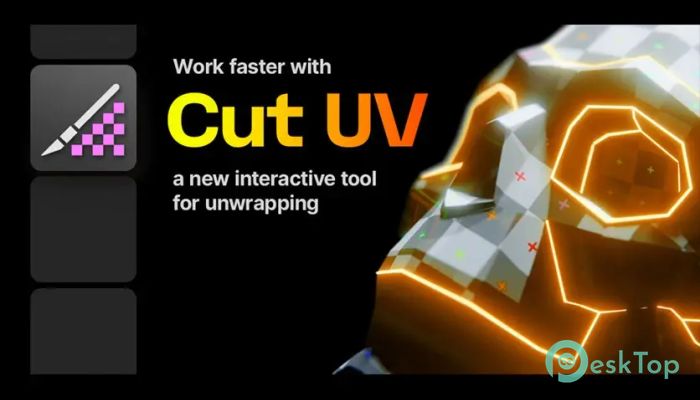
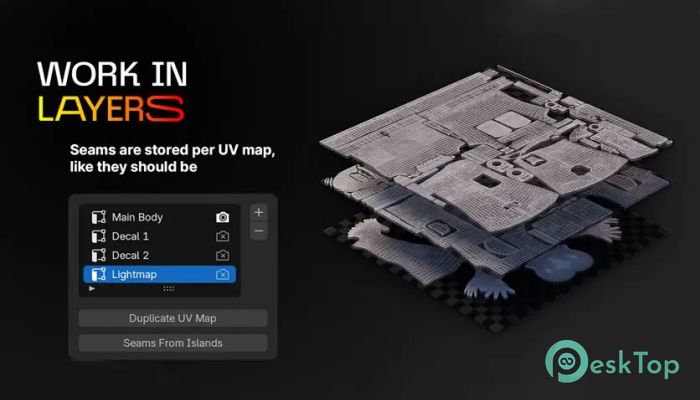
It offers a fresh approach to UV unwrapping in Blender. Instead of fighting with menus and slow workflows, it introduces a new approach that feels natural and responsive. The main goal is simple: help artists create clean UVs without breaking their creative flow. Adding a dedicated tool directly to Blender’s toolbar removes friction and saves valuable time.Features of Superhive Market - UV Flow
A New Way to Cut UV Seams
One of the standout ideas behind this tool is the custom Cut UV option added to the toolbar. This feature allows you to work directly on the model while defining seams. You do not need to jump between modes or remember complex steps. Everything happens right where your cursor is, making the process feel direct and intuitive.
Artist-Friendly Controls
The controls are designed for artists, not programmers. Simple mouse actions replace long command chains. A single click marks an edge, while a double click can select an entire loop. This makes seam creation feel more like sketching than technical setup. It is fast, natural, and easy to learn, even for users new to UV work.
Smart Loop and Path Selection
Efficiency is where the software truly shines. Double-clicking can mark a loop that automatically stops at other seams, preventing errors. Holding modifier keys unlocks even more power, such as selecting the shortest path or clearing seams instantly. These small touches add up, turning a typically slow task into a quick and satisfying one.
Visual Feedback That Helps
Pre-selection highlighting is another thoughtful feature. Before you commit to a cut, you can see exactly what will be affected. This visual feedback serves as a safety net, helping you avoid unintended changes. It feels like having a guide that quietly points the way before you step forward.
Designed for Speed and Flow
The interaction style focuses on speed. Click, drag, and modifier keys work together smoothly, keeping your hands on the mouse and your mind on the model. Instead of pausing to consider tools, you stay in a creative rhythm. It is like carving with a sharp blade rather than chiseling with heavy tools.
Perfect for Everyday Blender Work
Whether you are working on complex surface models or organic shapes, the tool adapts well. It fits naturally into existing Blender workflows without forcing you to change habits. You can use it lightly for quick edits or lean on it heavily for complex projects. This flexibility makes it useful for both hobbyists and professionals.
Seam Editing Made Simple
Clearing and adjusting seams is just as easy as creating them. Holding the Alt key lets you remove seams using the same familiar actions. This consistency reduces errors and keeps everything predictable. Editing feels reversible and safe, which encourages experimentation.
System Requirements and Technical Details
Operating System: Windows 11 / 10 / 8.1 / 7
Processor: Minimum 1 GHz Processor (2.4 GHz recommended)
RAM: 2GB (4GB or more recommended)
Free Hard Disk Space: 200MB or more is recommended
Blender: 4.2 - 5.0

-
Program size3.68 MB
-
Version1.1.1
-
Program languagemultilanguage
-
Last updatedBefore 4 Month
-
Downloads43
 Paragon Hard Disk Manager 18 Business
 Aescripts MaskMotion
 Aescripts AE Glass
 Aescripts PreFlight
 Aescripts Risograph
 Aescripts Folder Fanatic